Git sync & history
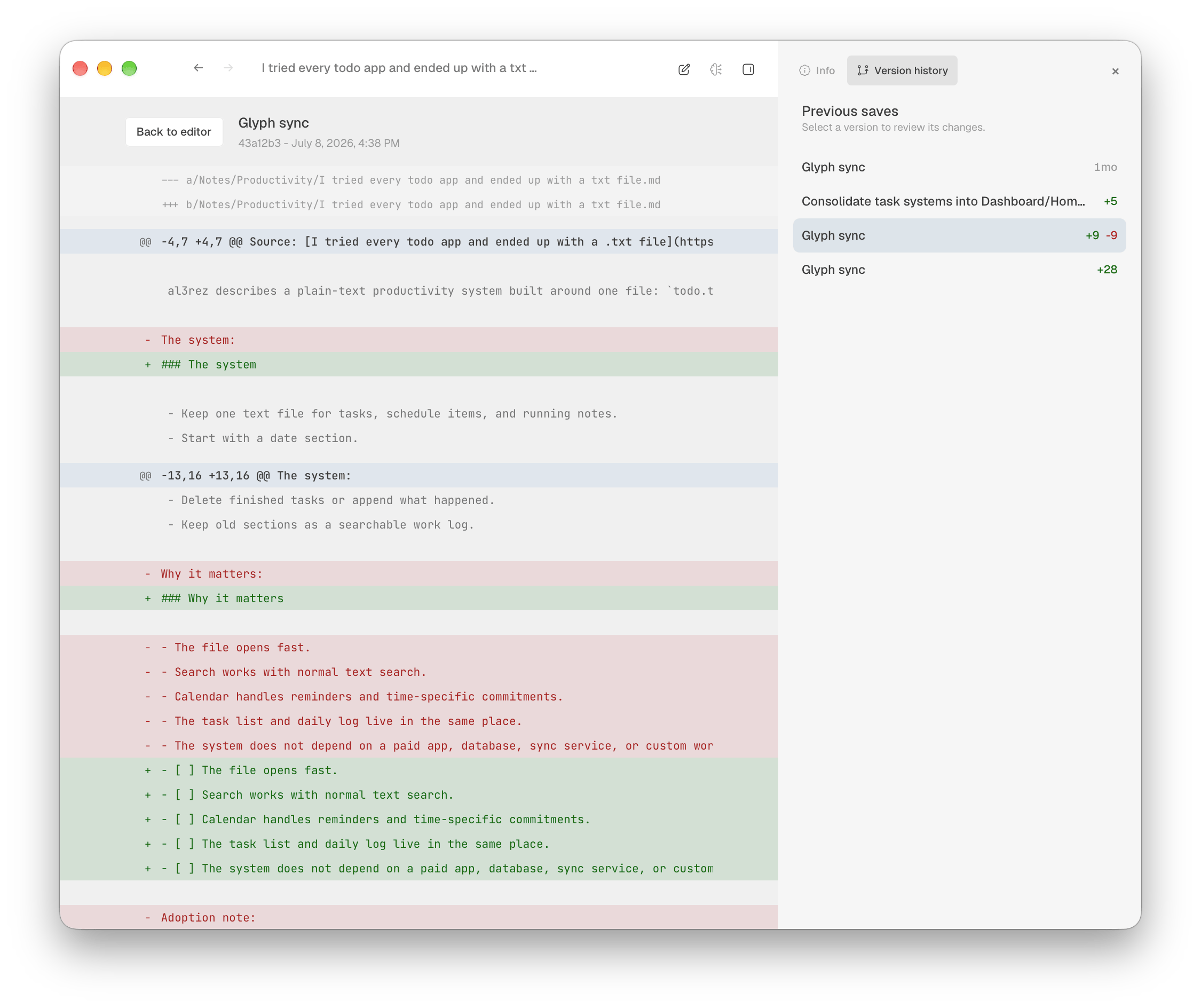
Glyph commits and pushes on a schedule. Open any note's history to read exactly what changed.
Beautifully Designed. Packed with Features, including completely optional built-in AI. A Markdown app for thinking, writing, and linking ideas that your Mac deserves.
GROWS WITH YOU
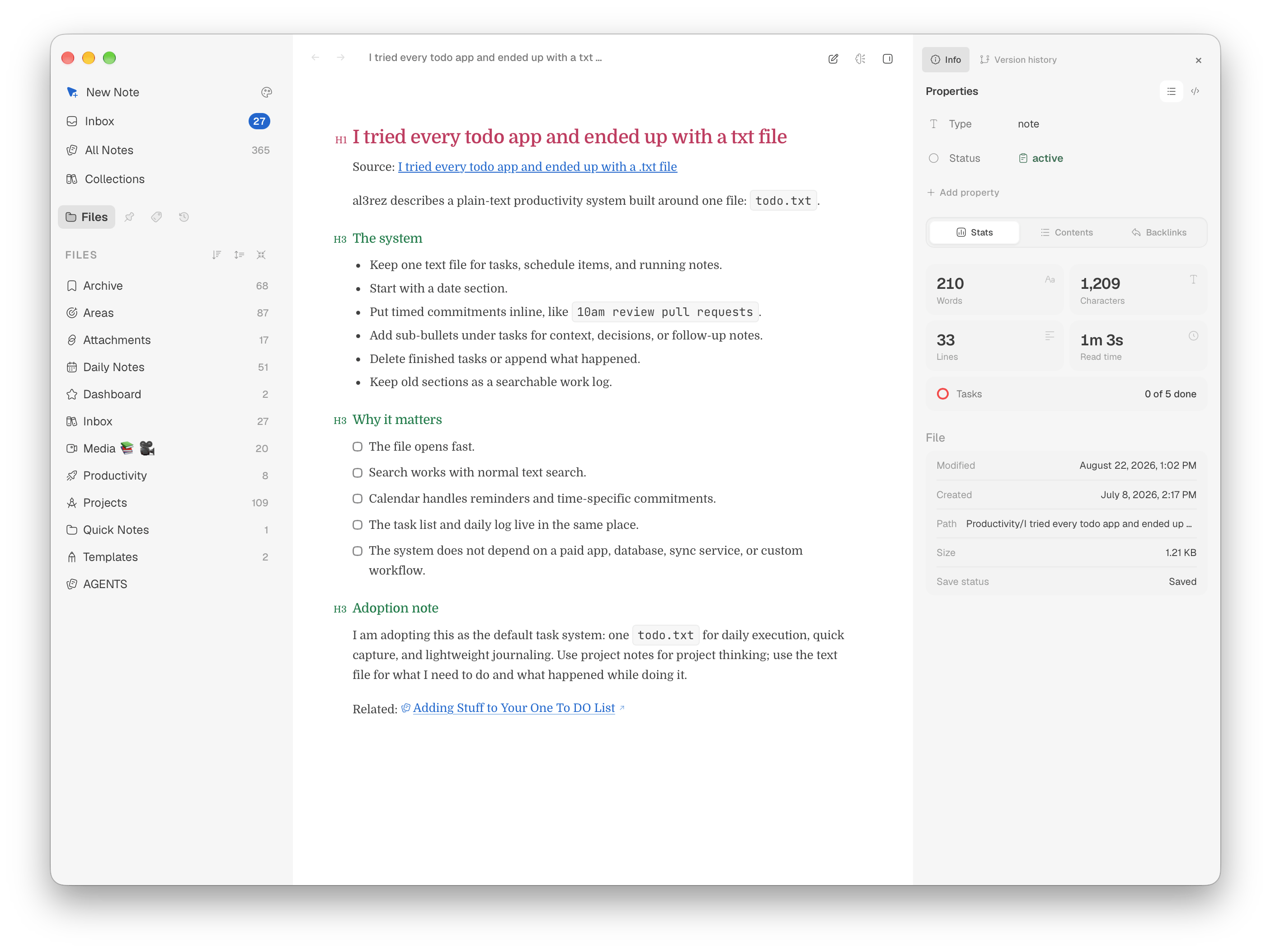
Glyph is a quiet place to write on day one. The rest is there when you want it.
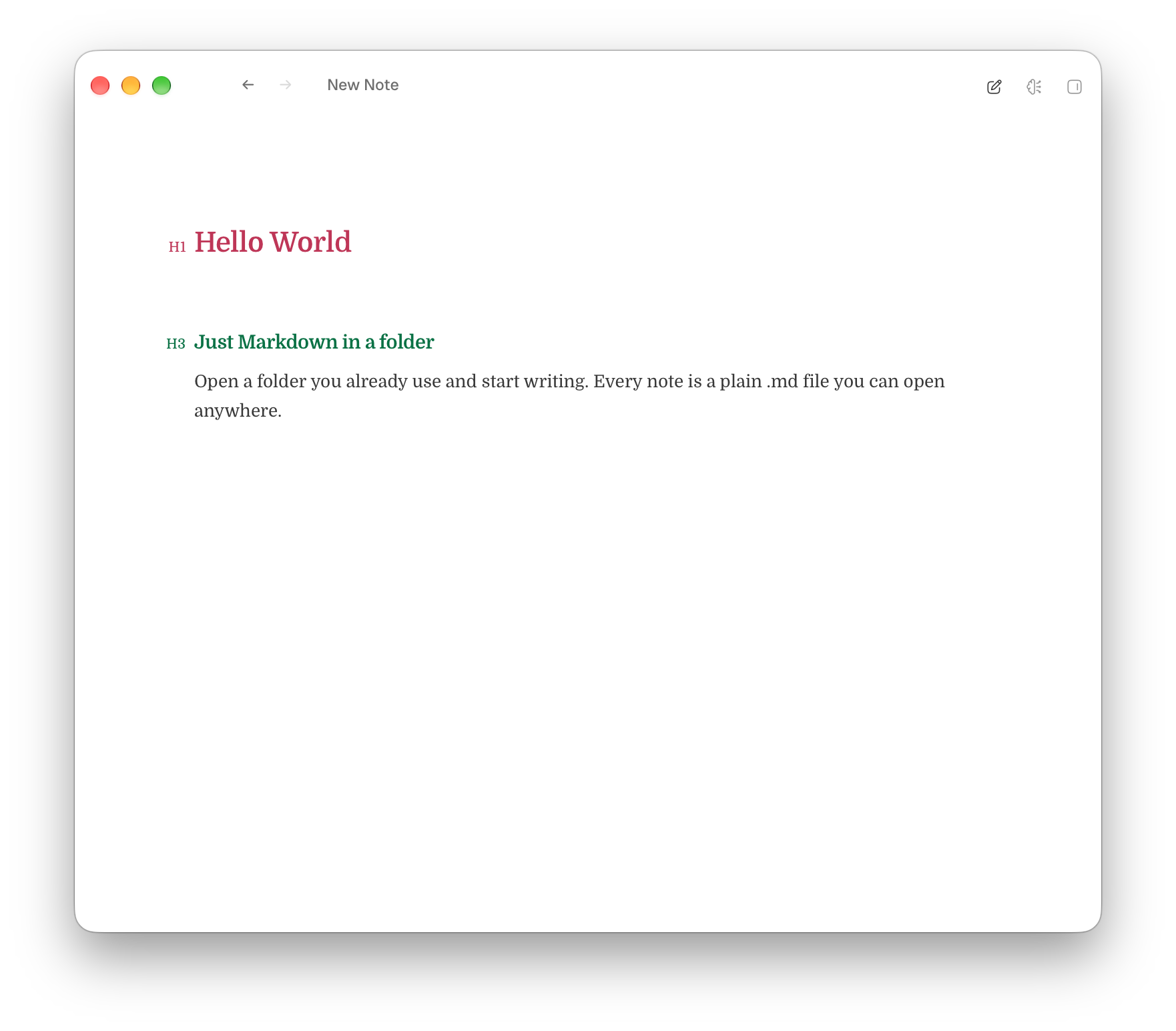
Open a folder you already use and start writing. Every note is a plain .md file you can open anywhere.
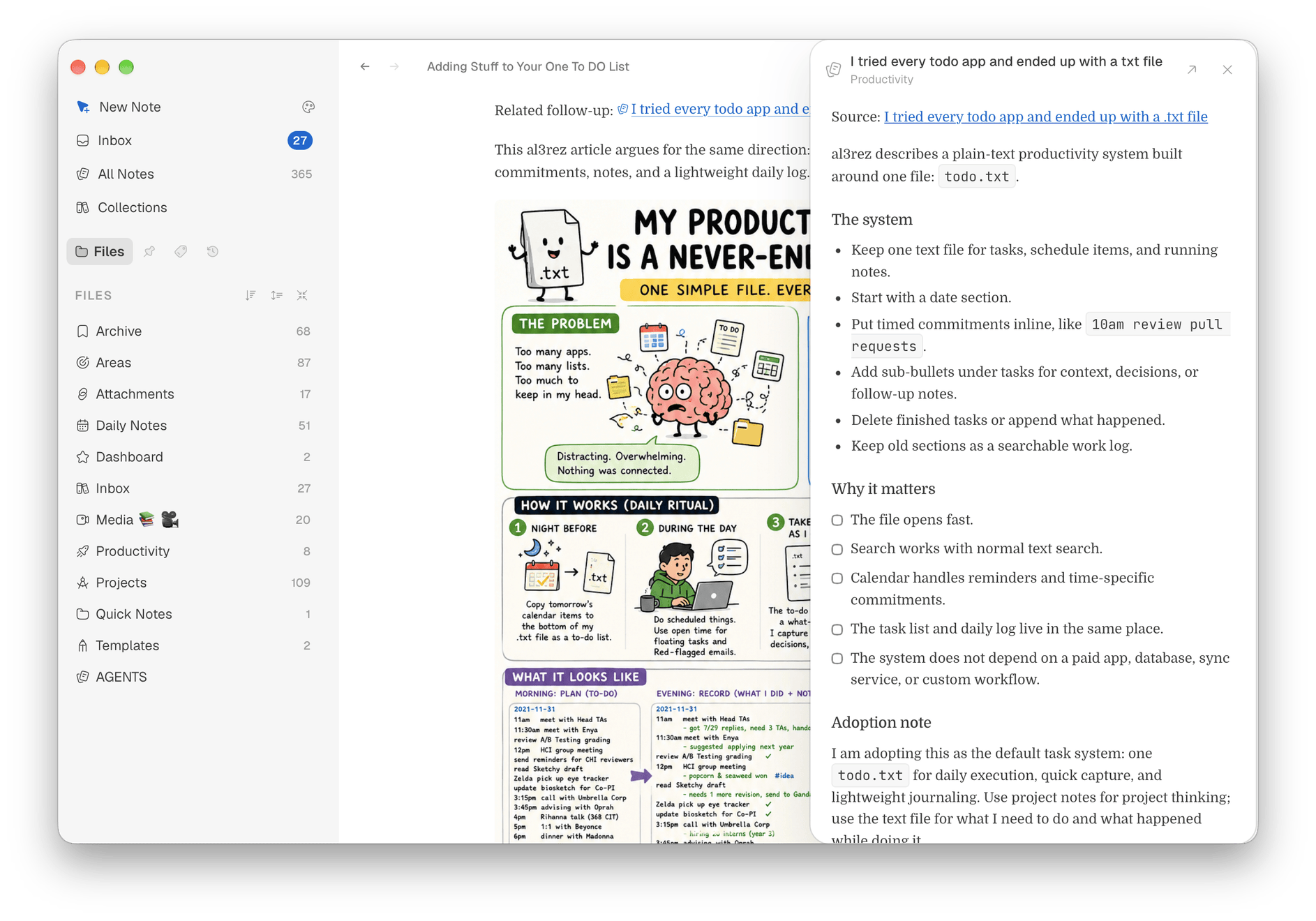
Type [[ to link notes, tag them, and turn a folder into a Kanban board or table without moving a file.
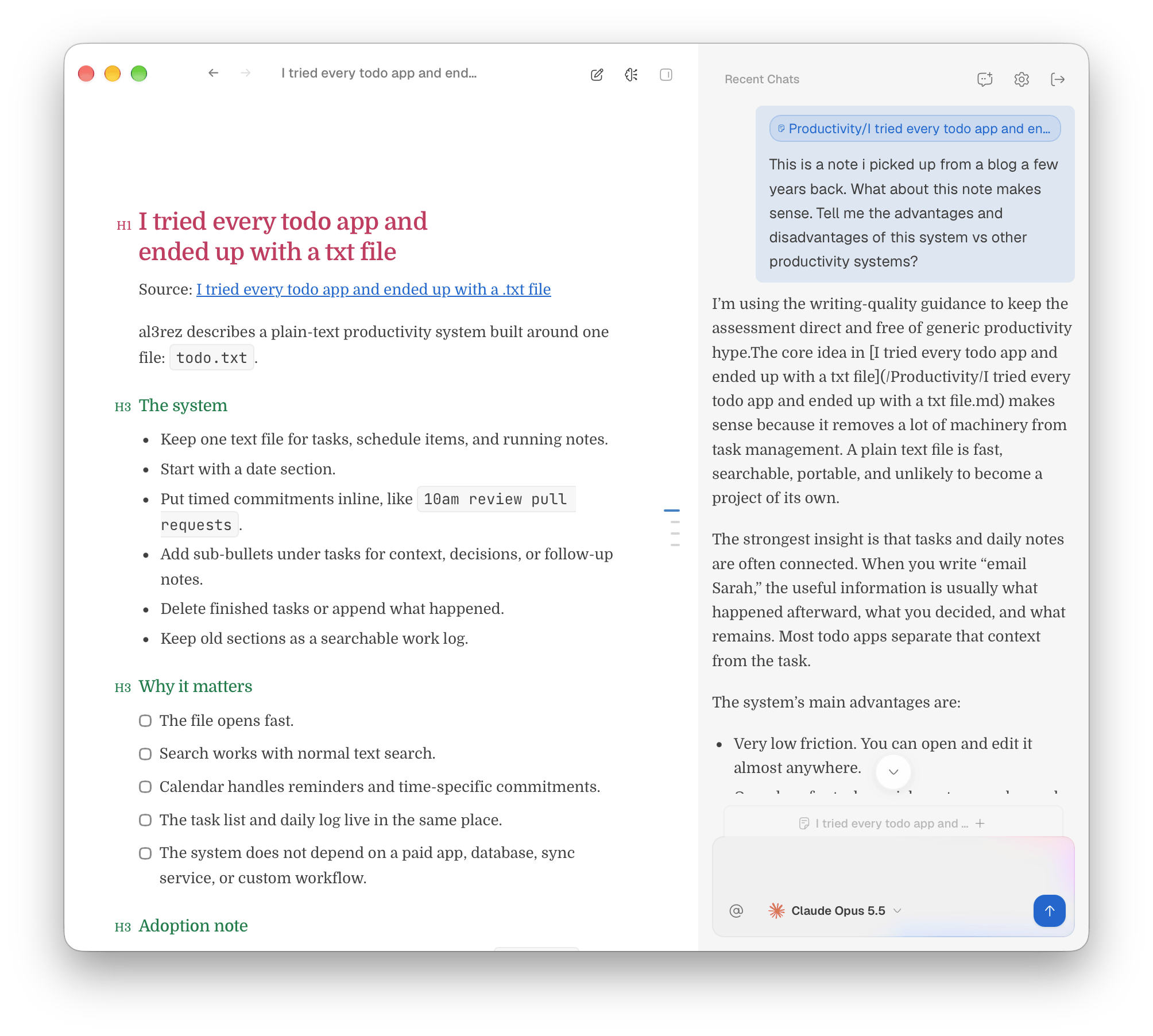
Every change is saved and synced, AI can answer questions about your notes, and power tools are there if you want them.
FEATURES
Open a folder you already use. Glyph reads and writes standard Markdown files, then gives you the tools to work with them.
 Mac deserves
Not . On purpose.
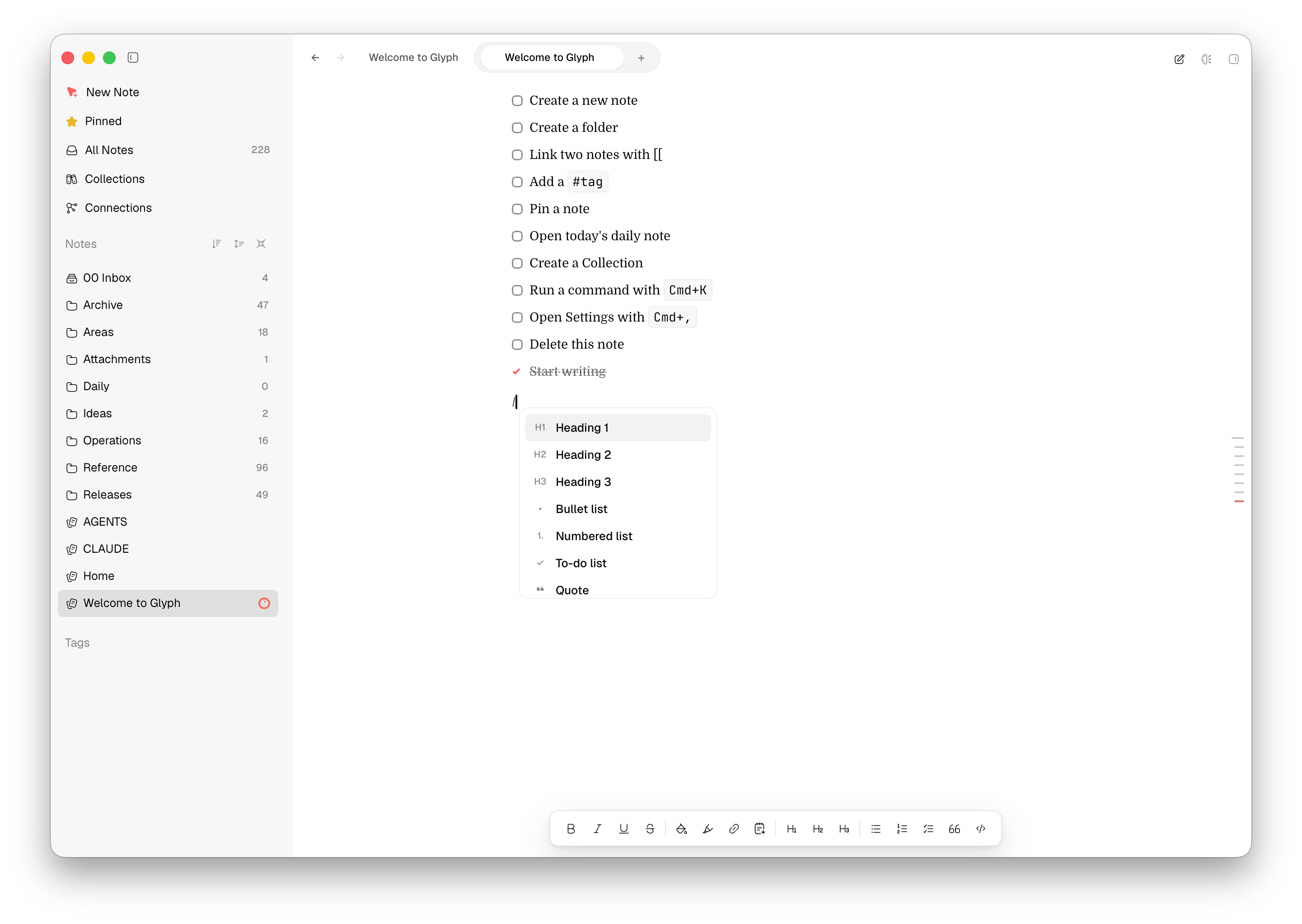
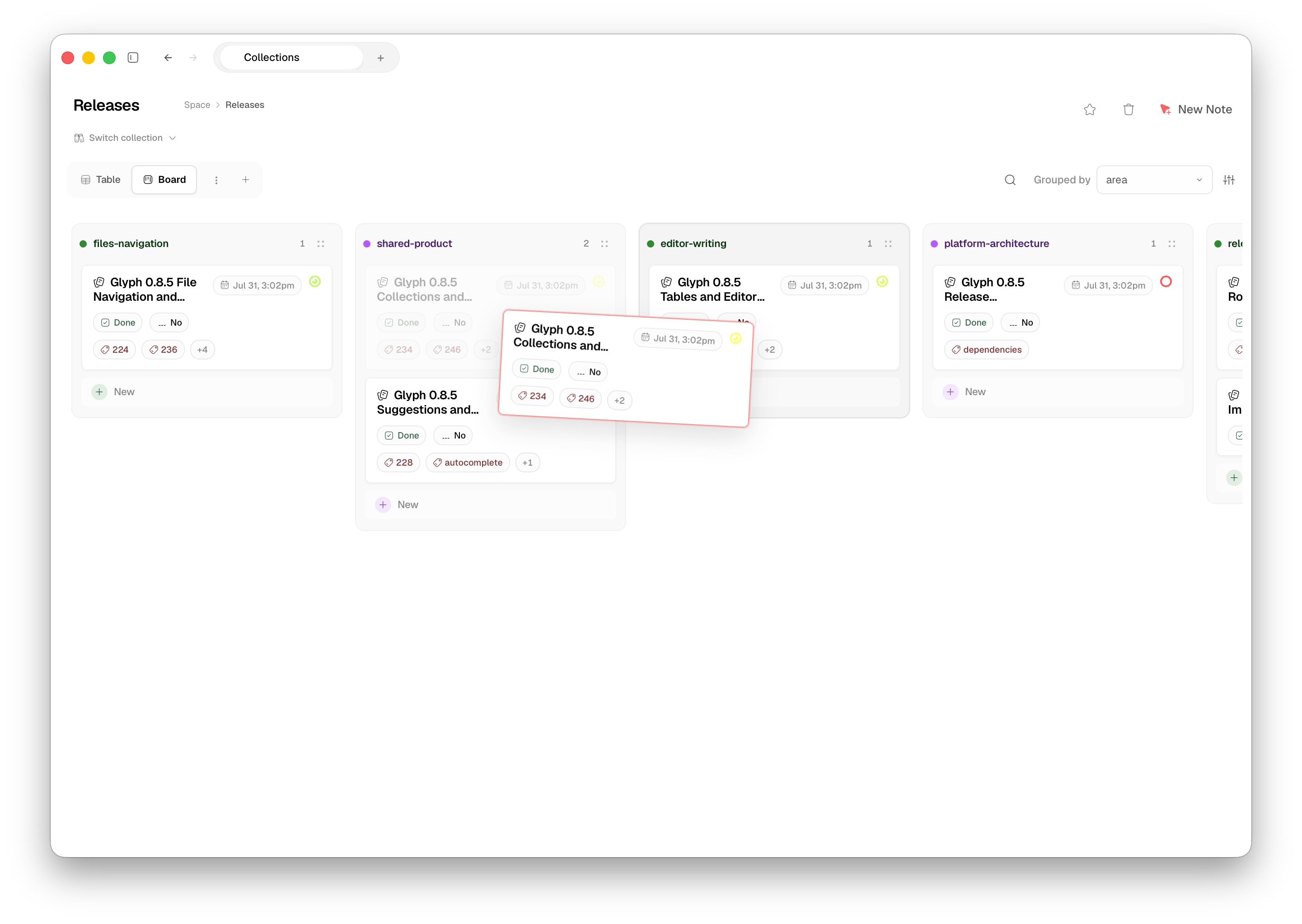
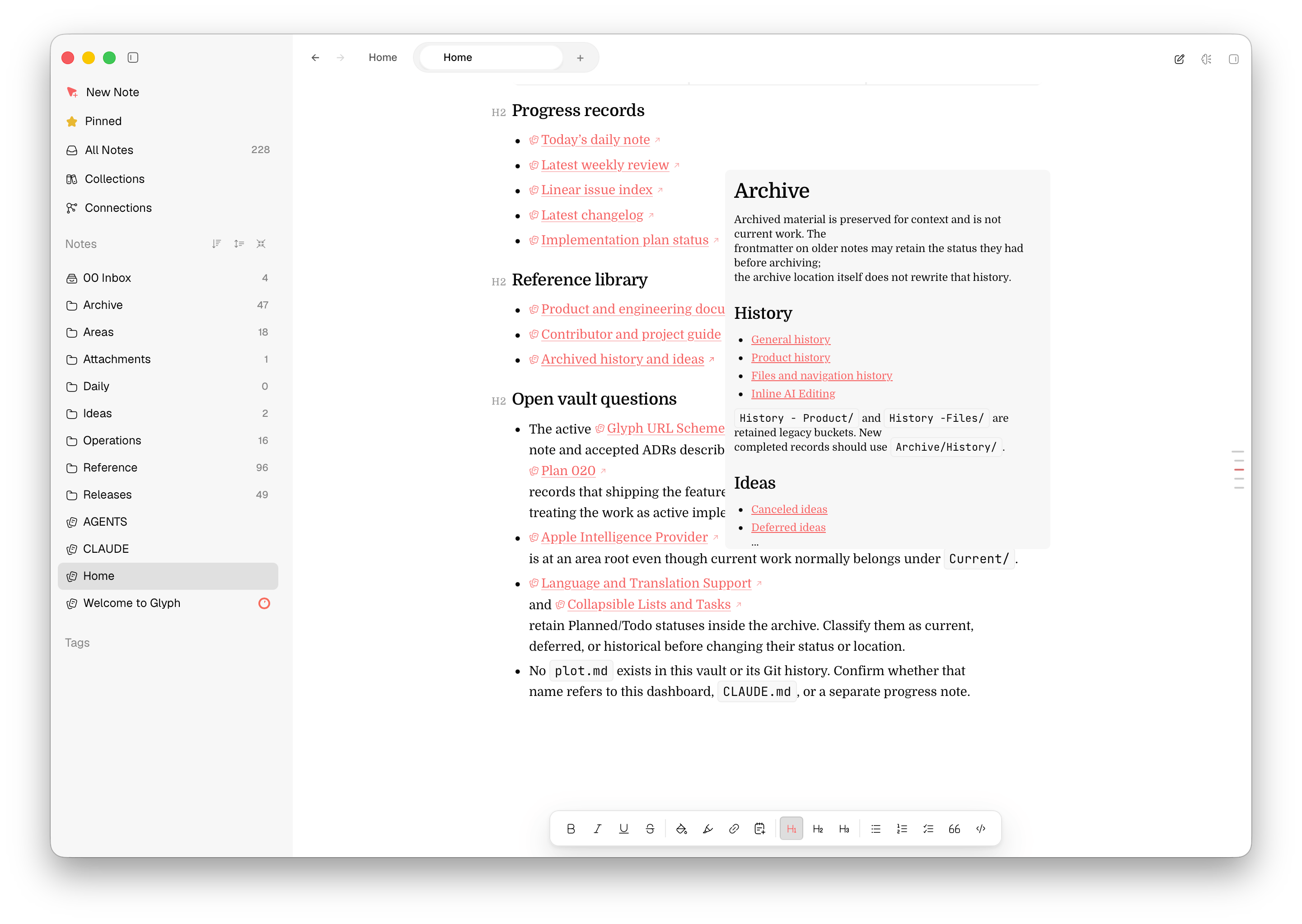
The little things that make your notes feel like yours — diagrams, instant capture, and a bird's-eye view of everything you've written.
Glyph commits and pushes on a schedule. Open any note's history to read exactly what changed.
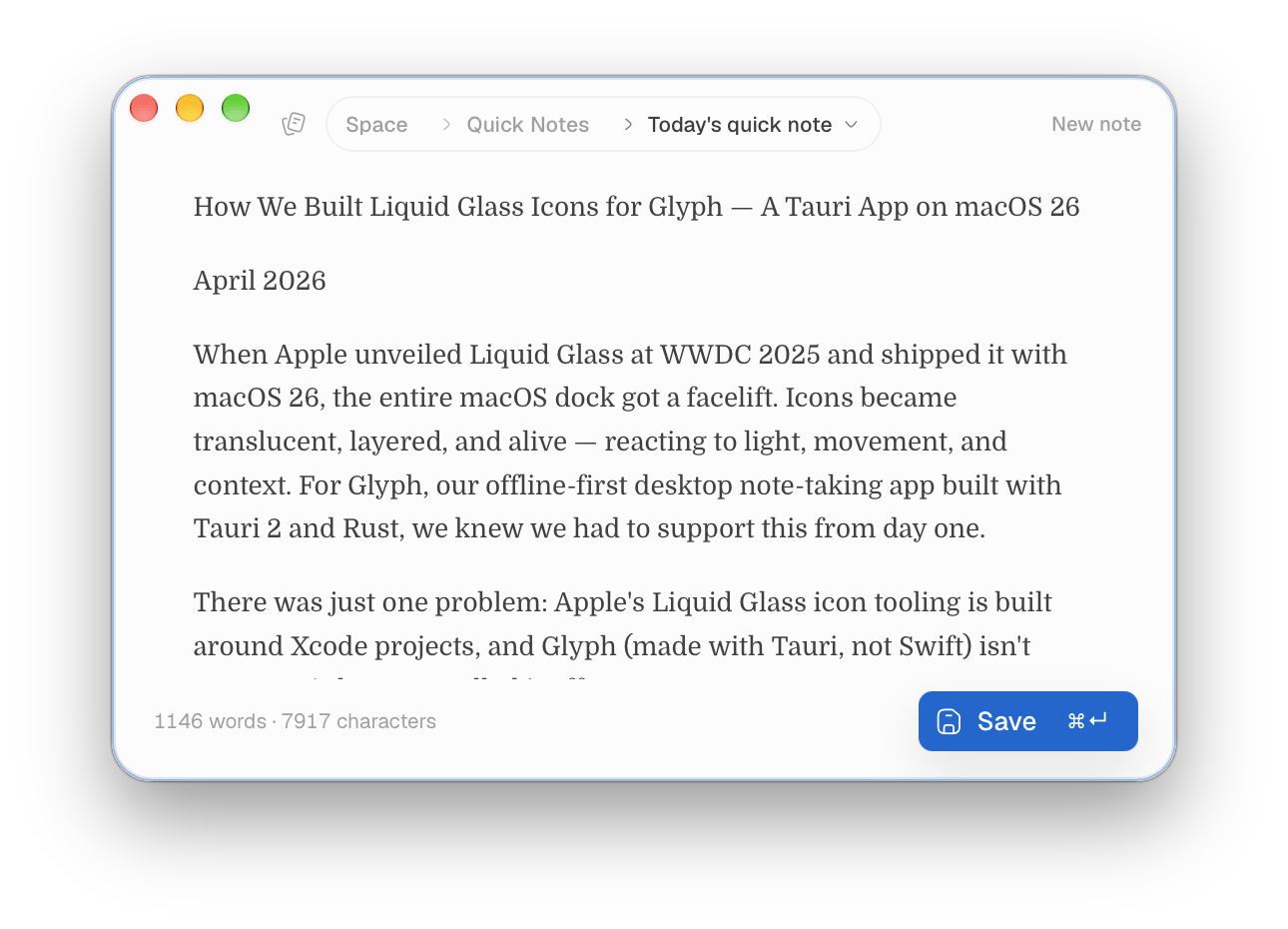
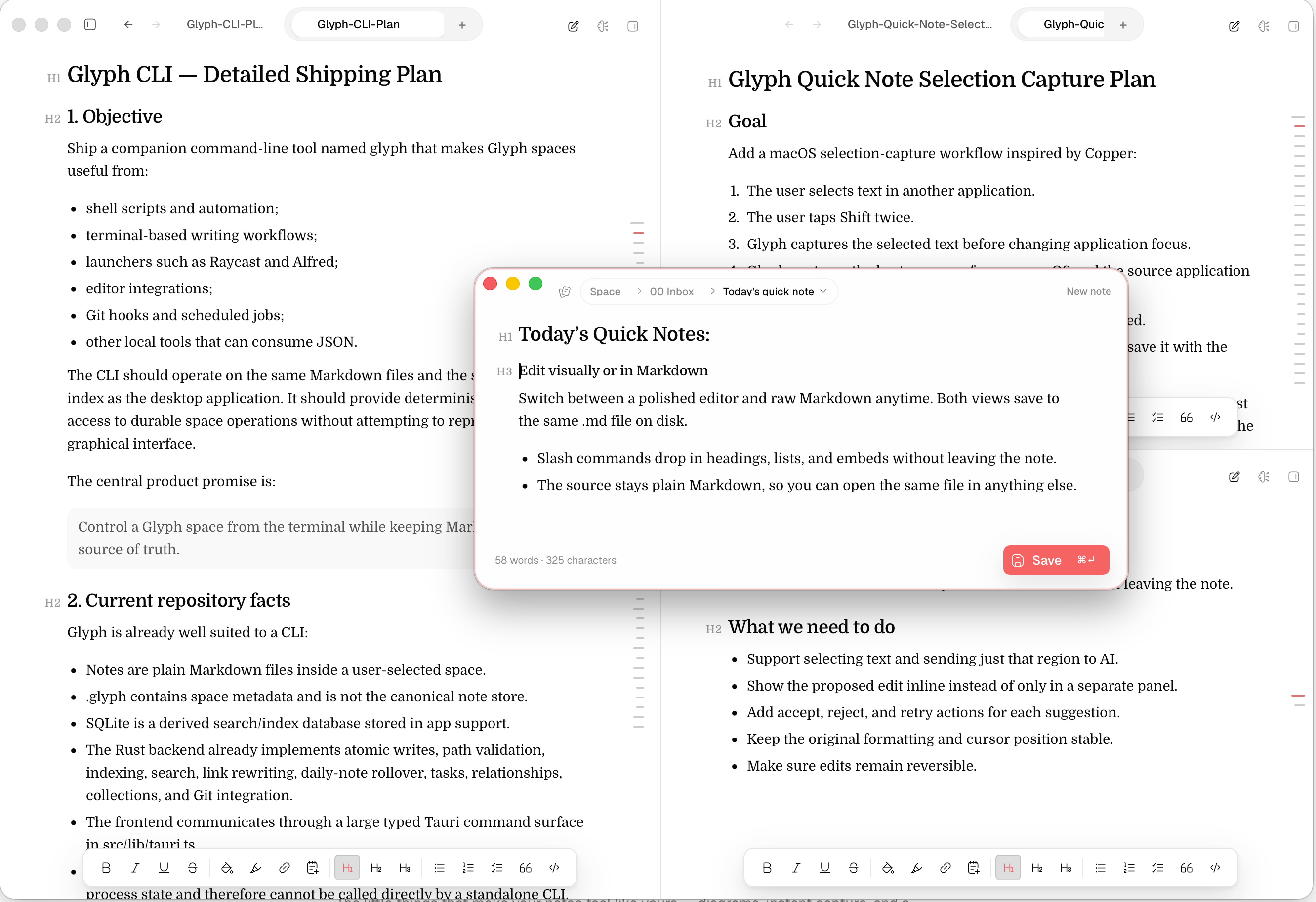
Capture a thought from anywhere with a floating scratchpad, then file it when you're ready.
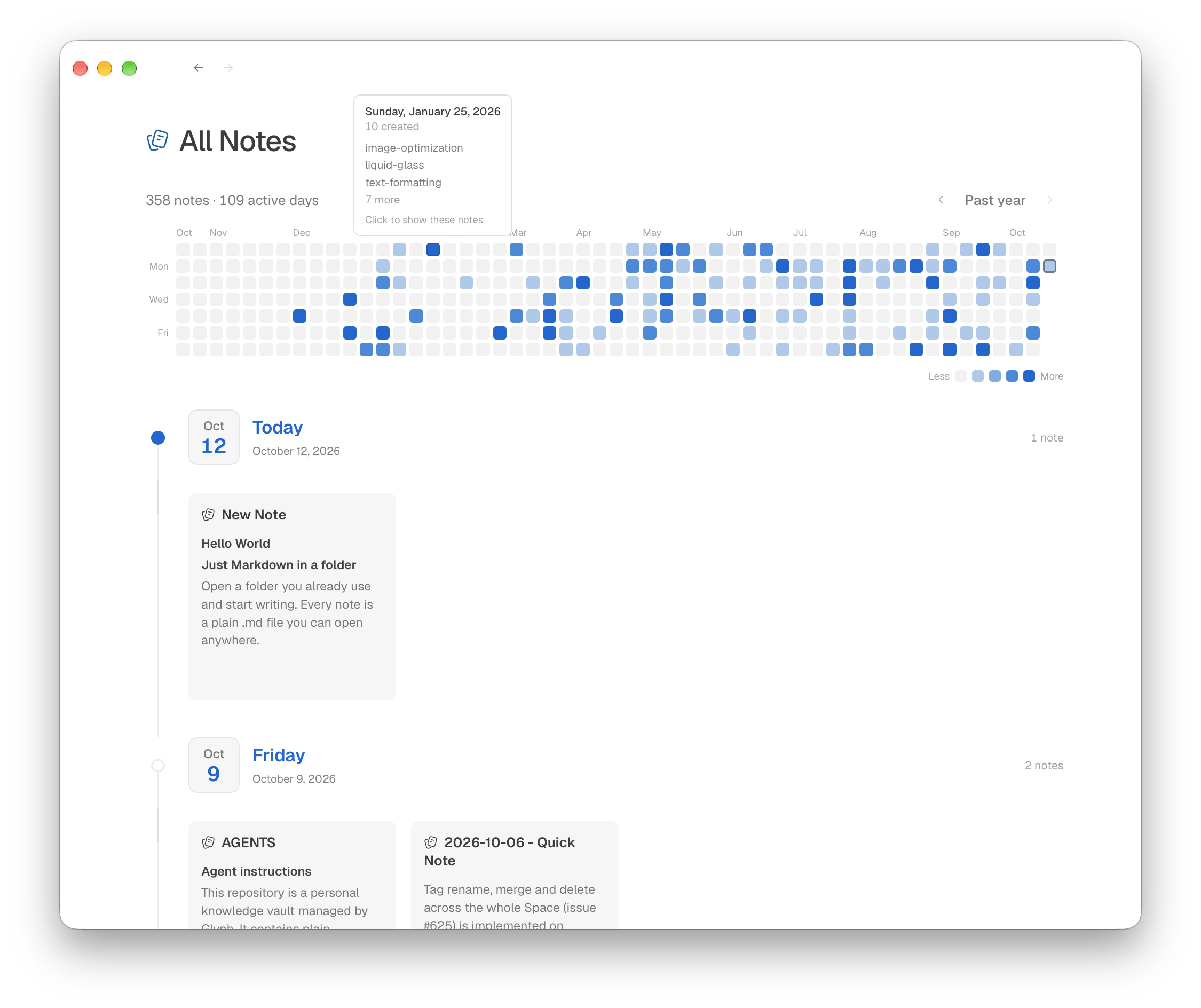
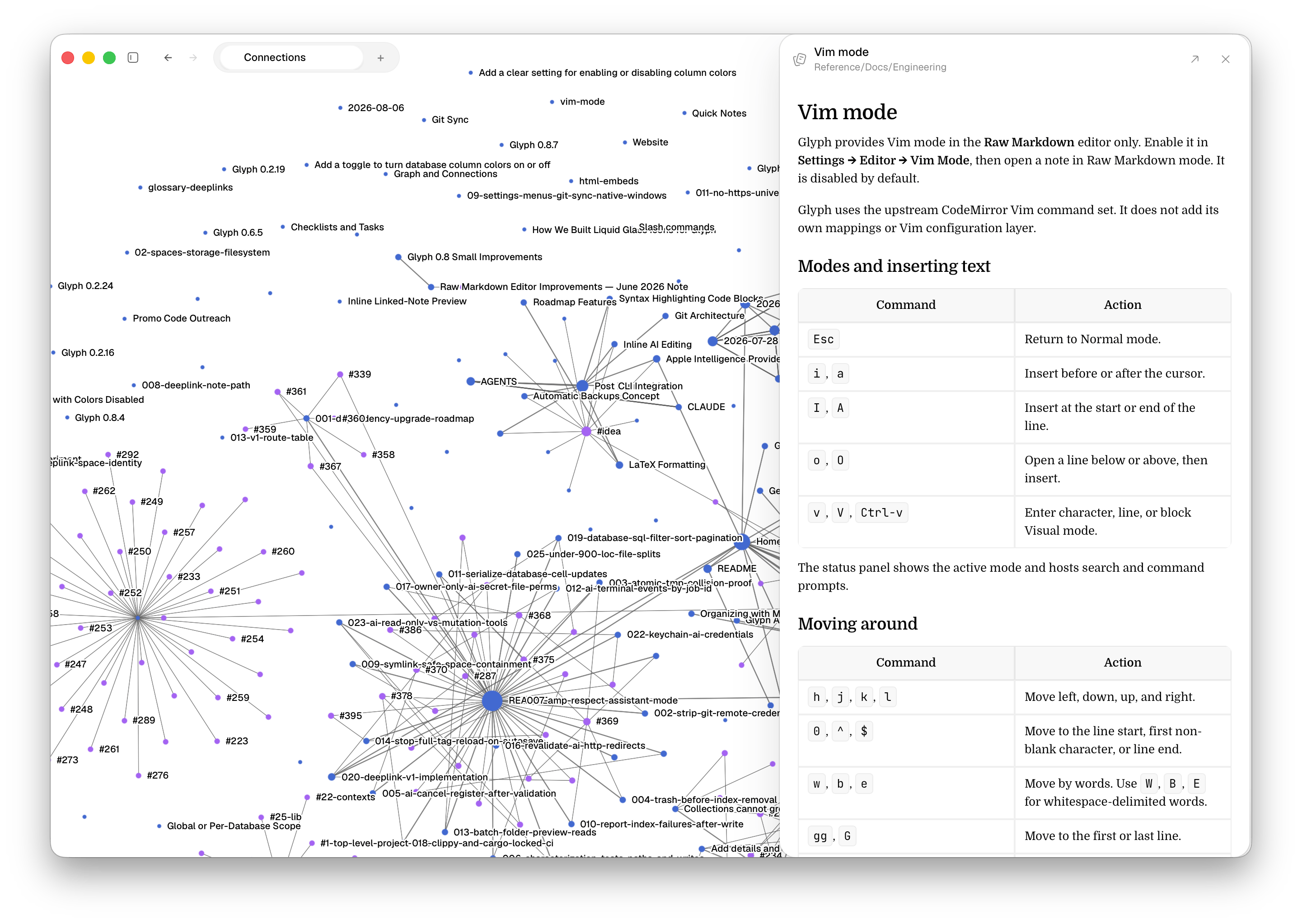
See every note on one timeline, with a full year of writing activity at a glance.
Write a Mermaid block and watch the flowchart render directly inside your note.
Choose your icons, colors, and type—from Catppuccin and Gruvbox to Tokyo Night.
Remap shortcuts, turn on Vim mode, and move through your notes without reaching for the mouse.
A Rust-native Mac app for plain Markdown in local, iCloud, NAS, or network folders.
 Amp
Amp  Codex
Codex  opencode
  Claude Code
  Cursor
  Grok subscription you already pay for.
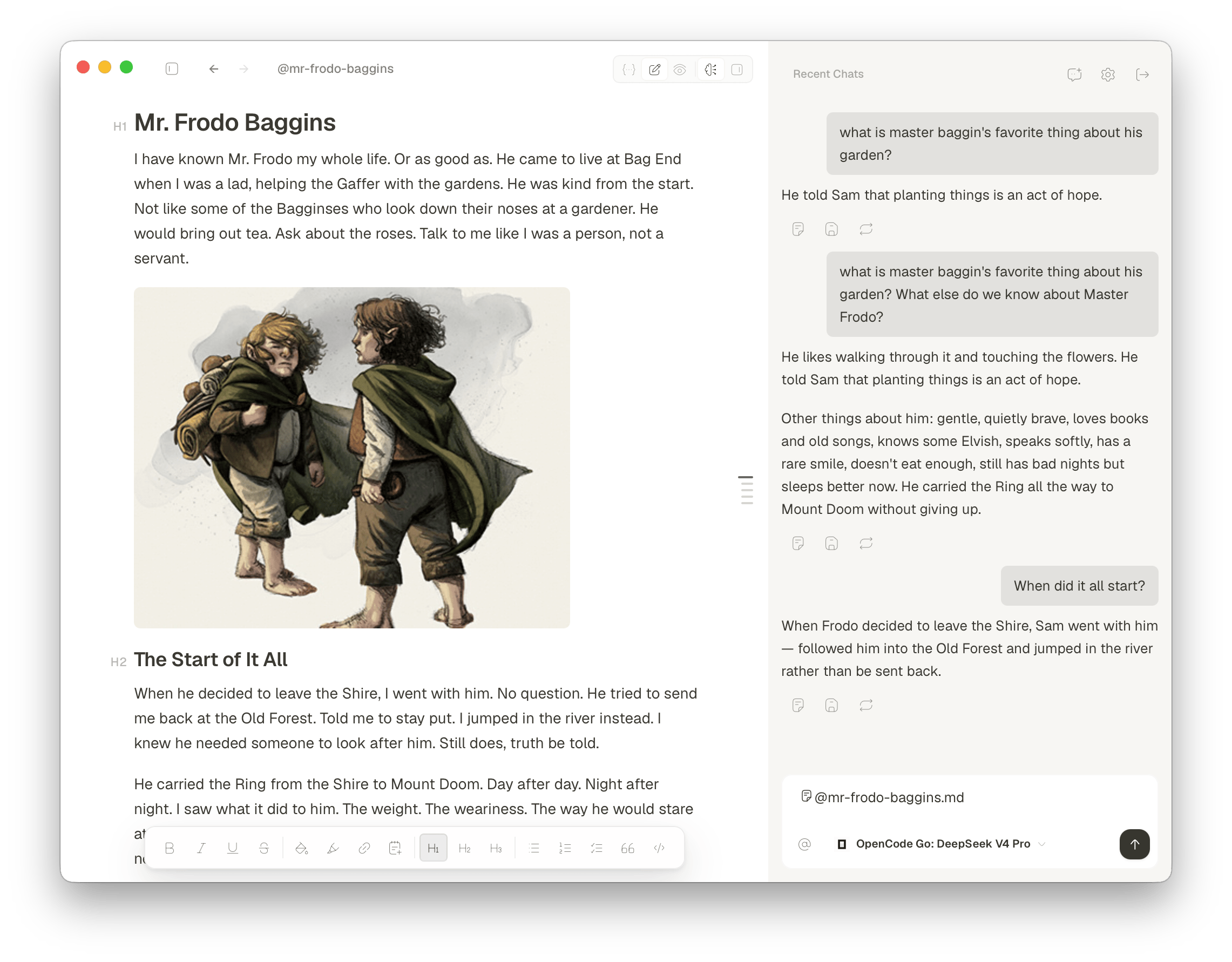
Chat with your notes, summarize a page, rewrite a draft. Glyph signs in with your existing agent plan or your own API keys.
No new subscription. Amp, Codex, opencode, Claude Code, Cursor, and Grok plug straight in.
AND MORE
Tools that support the way you work, built around your notes with the same care as the editor.
Put your code in an HTML code block and see it rendered in your note.
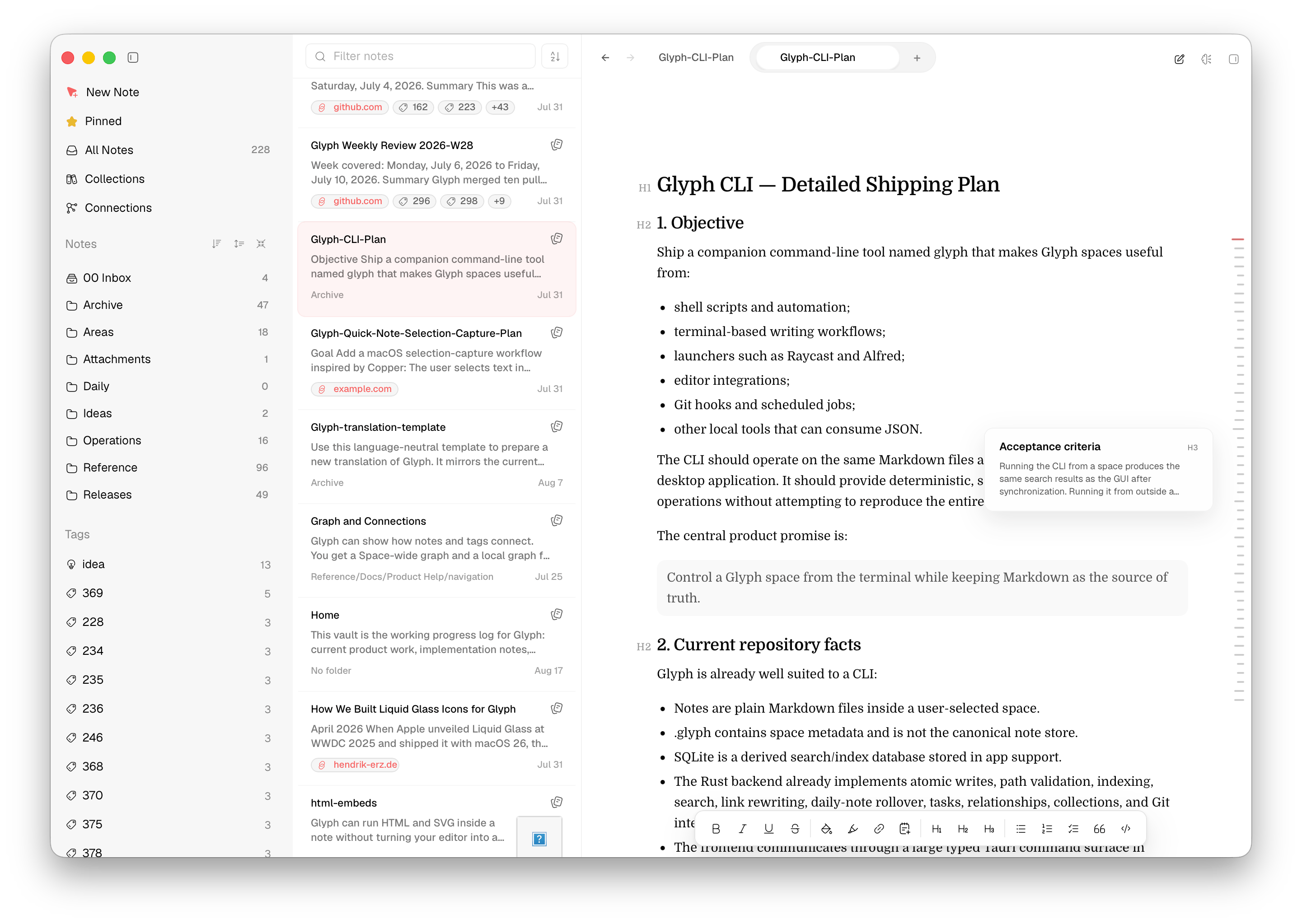
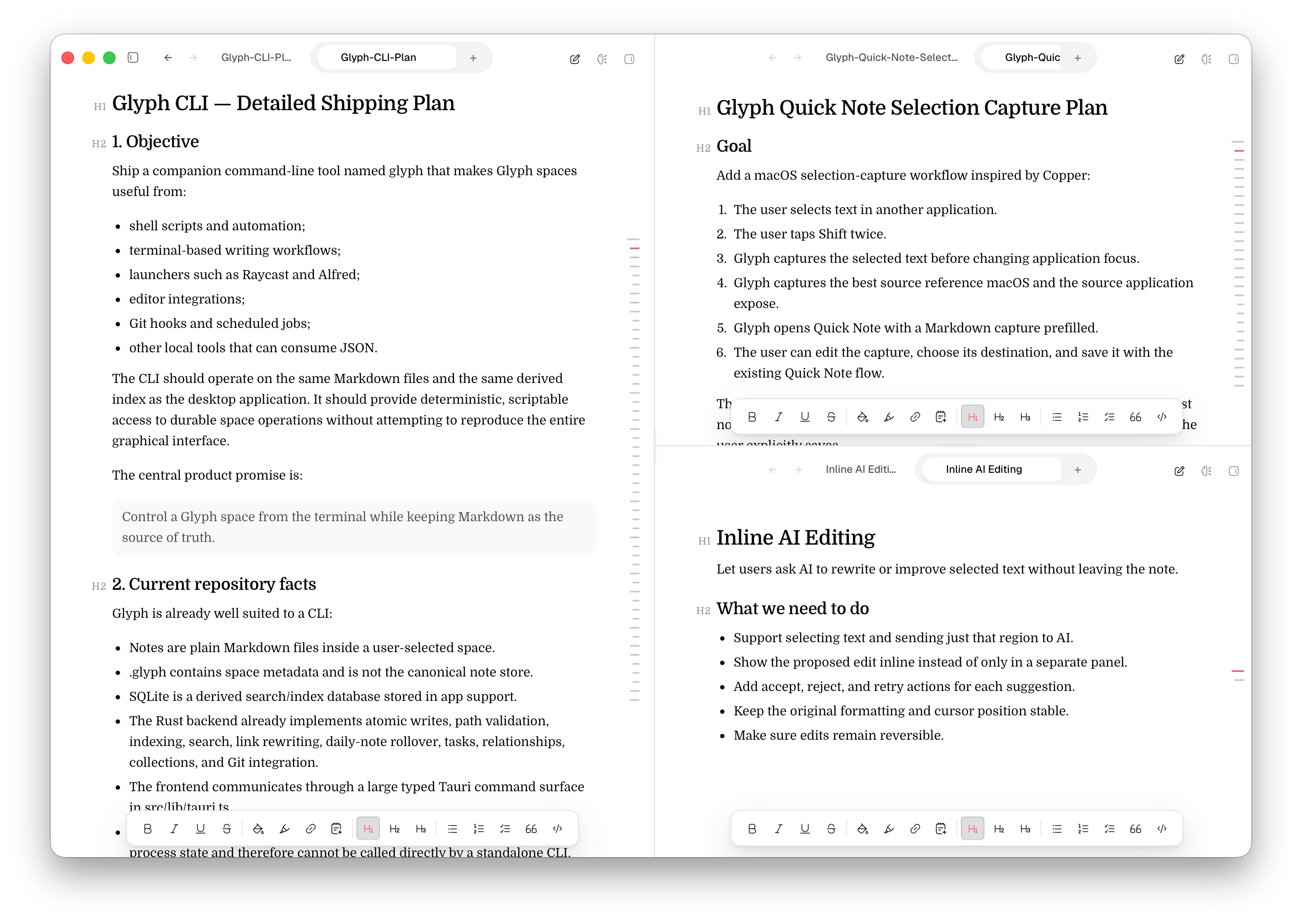
Browse folders, tags, and note previews while you write. Move between projects, pull up related notes, and use AI beside your editor without breaking your train of thought.
Pin the notes you use most. Jump between research, drafts, and references, then add or remove anything as you work.
Store every note as a standard Markdown file in a folder you choose, from your Mac and iCloud Drive to a NAS or shared network folder.
PRICING
Try it free for a week, then pay once if it earns a place on your Mac. Glyph is in early access, and each purchase helps fund the next release.
7-day free trial
Download Glyph and start writing today.
No credit card required
We never ask for payment details to start.
Nothing to cancel
No card on file means no surprise charges.
01Try it
Download Glyph and start writing right away. We never ask for a card, so there is nothing to cancel when the week is up.
brew install --cask SidhuK/glyph/glyph 02Keep it
Pay once and keep writing. No subscription, no renewals.
Secure checkout through Gumroad.
QUESTIONS
No. Glyph is a one-time purchase with lifetime access. No recurring fees, seat limits, or device binding.
Absolutely! Simply open your Obsidian vault folder directly in Glyph — it reads plain Markdown files, so your existing vault works out of the box.
Yes. In Bear, go to File → Export Notes → Markdown, choose the notes you want to export, then open the exported folder in Glyph. Bear’s export guide has full details.
Yes — use a third-party tool to export Apple Notes as Markdown. Exporter (free on the Mac App Store) converts Apple Notes to Markdown files, which you can then open in Glyph.
No. Your notes stay on your Mac as plain Markdown files. Glyph does not upload, track, or phone home with your files.
Yes. Glyph comes with a 7-day free trial and does not ask for a card. Download the latest version and start writing.
The code is public on GitHub. I license official builds, and you can clone the repo and build Glyph yourself.
FROM THE COMMUNITY
Real comments, linked to their original posts. No polished marketing rewrite.
Read all notesSpectacular app, really well designed and steers clear of Obsidian bloat. Definitely buying!
This app is fantastic! It blends the best features of both Notion and Obsidian.
Great, I love the app and it is my main notes app now, gonna buy it 🙂
I’ve been using and bought the lifetime. Very nice app and it works well in my workflow.
Impressed by Glyph so far! Dev is very responsive and has been releasing updates like crazy.
Your app's promise of using plain markdown files is great, and the reason I look forward to this feature.
I really enjoy the minimalism and the ability to toggle AI features on/off.
Completley replaced Obsidian for me, in a much nicer/easier to use package (in my opinion anyways).
Quickly became my main note taking, project management and general writing app. Loving it :)
On Mac, try Typora or Glyph. Glyph seems up your alley.
I have been bear user for many years, started using obsidian, but feel it’s too heavy, loved your app.
So impressed with the speed of iteration. It’s heading in a great direction!
I'm rooting for you. The app is phenomenal, clean, and lightweight!
love the UI, great work on this!
Used by students and faculty from
and many more
As seen on