ONE SENTENCE
Glyph is a local-first Markdown notes app for macOS that keeps your notes as plain files and adds links, tasks, Git history, and optional AI.
PRESS KIT · UPDATED SEPTEMBER 2026
Glyph is a local-first Markdown notes app for macOS. Your notes stay as plain files on your Mac, with wikilinks, tasks, Git history, and optional AI built in.
AT A GLANCE
READY-TO-USE COPY
ONE SENTENCE
Glyph is a local-first Markdown notes app for macOS that keeps your notes as plain files and adds links, tasks, Git history, and optional AI.
SHORT DESCRIPTION
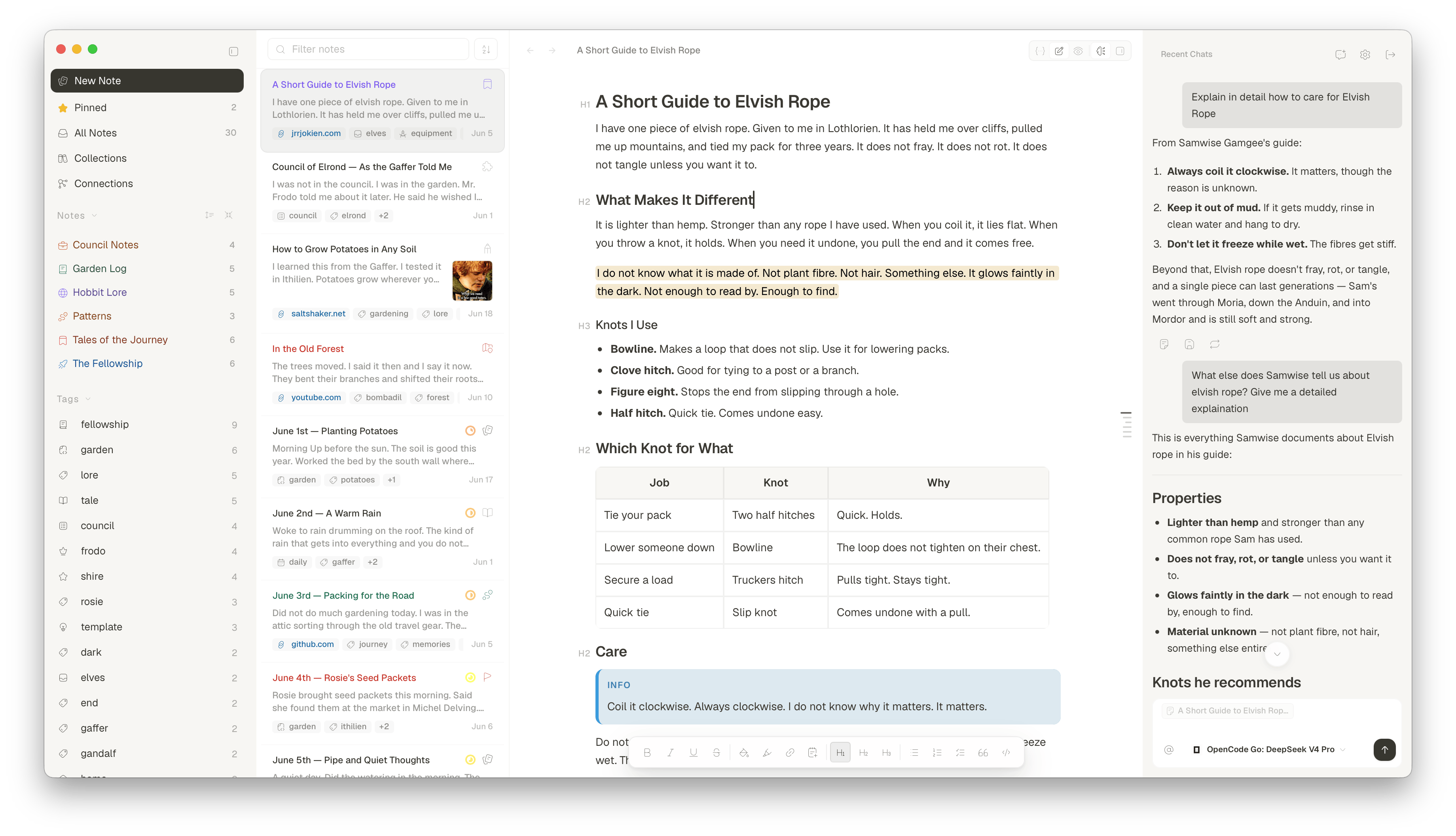
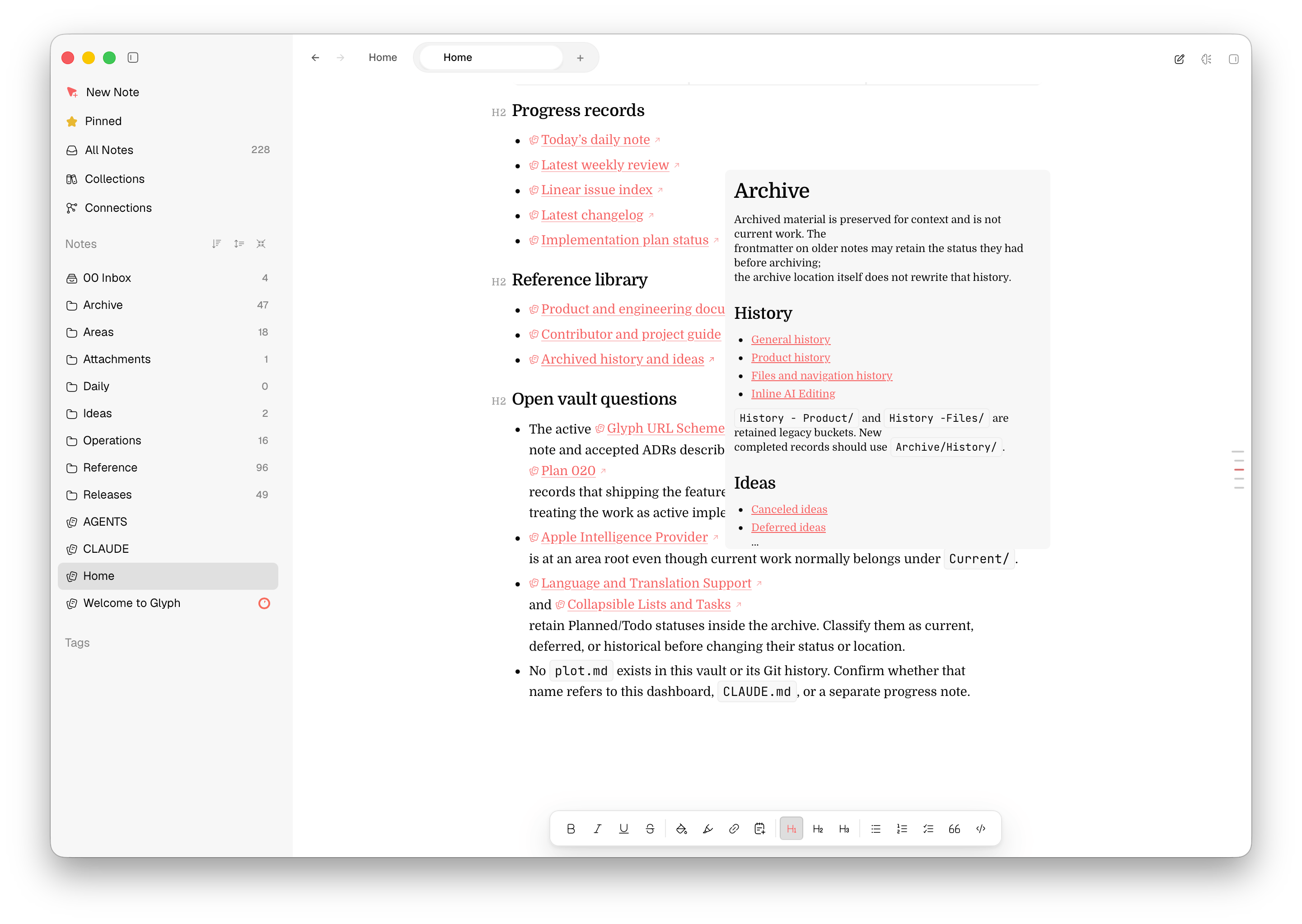
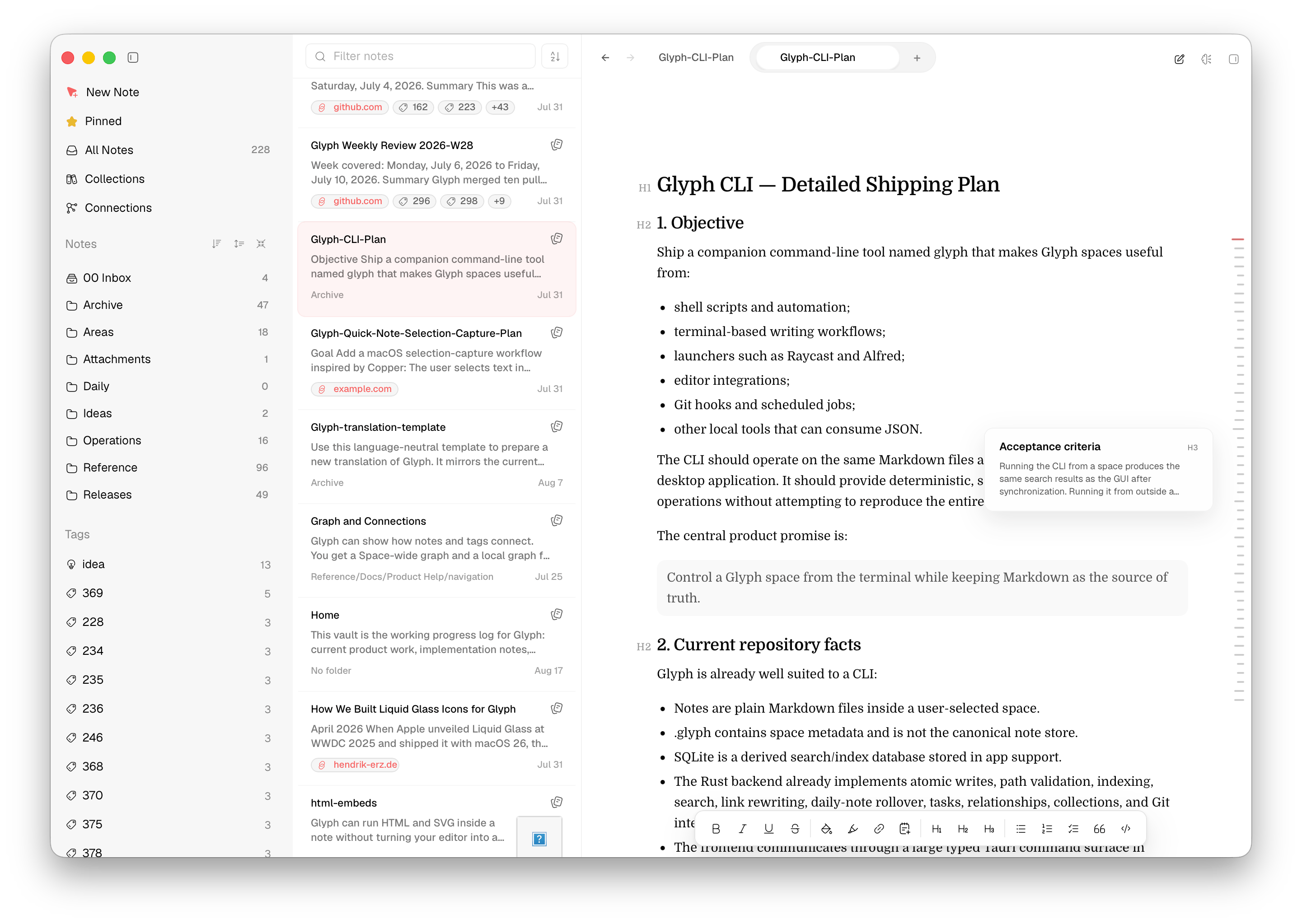
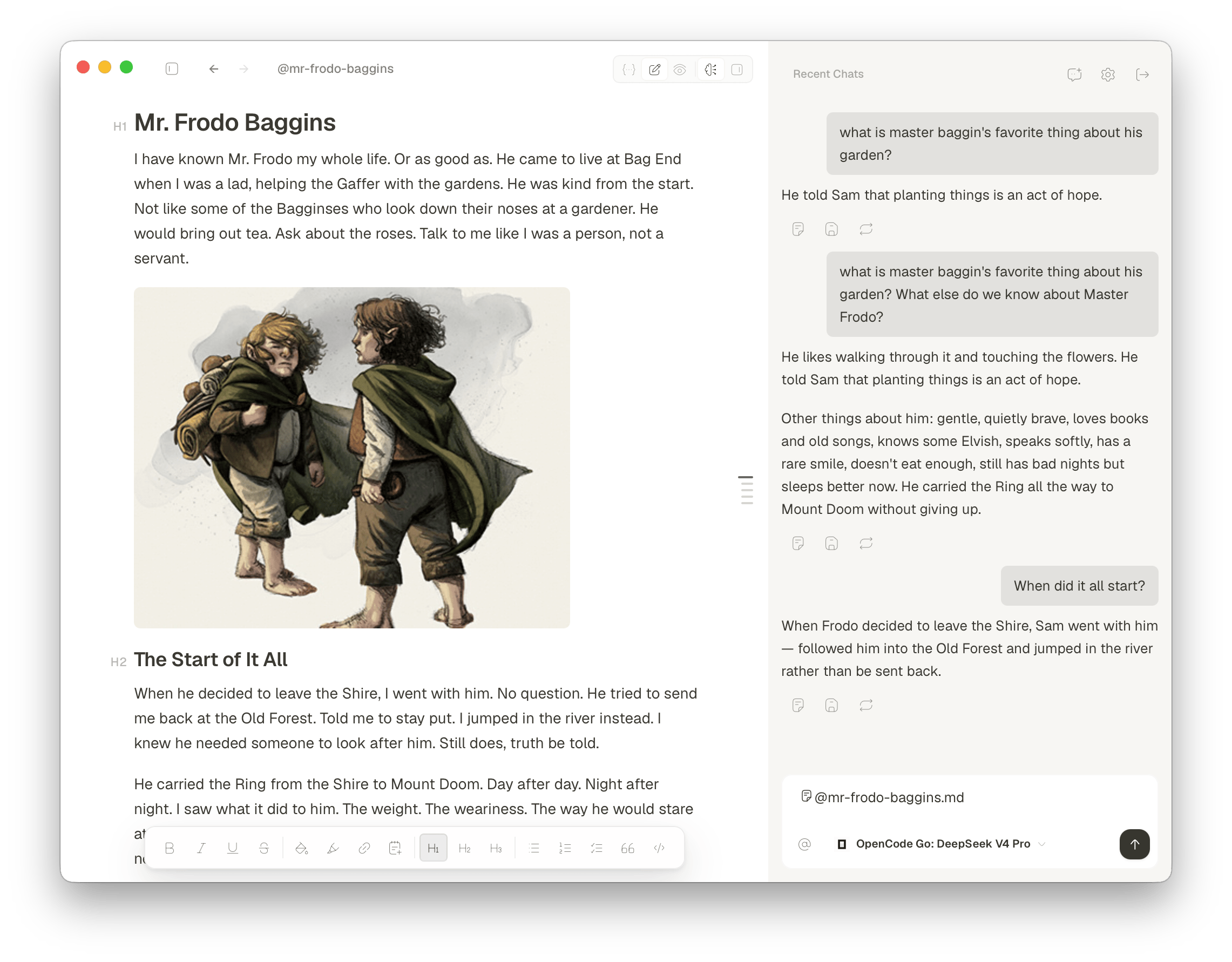
Glyph is a local-first Markdown notes app for macOS. Write in plain files inside any folder, connect ideas with wikilinks and Connections, manage tasks and boards, keep history with Git, and use optional AI through a provider you choose or a local model.
LONG DESCRIPTION
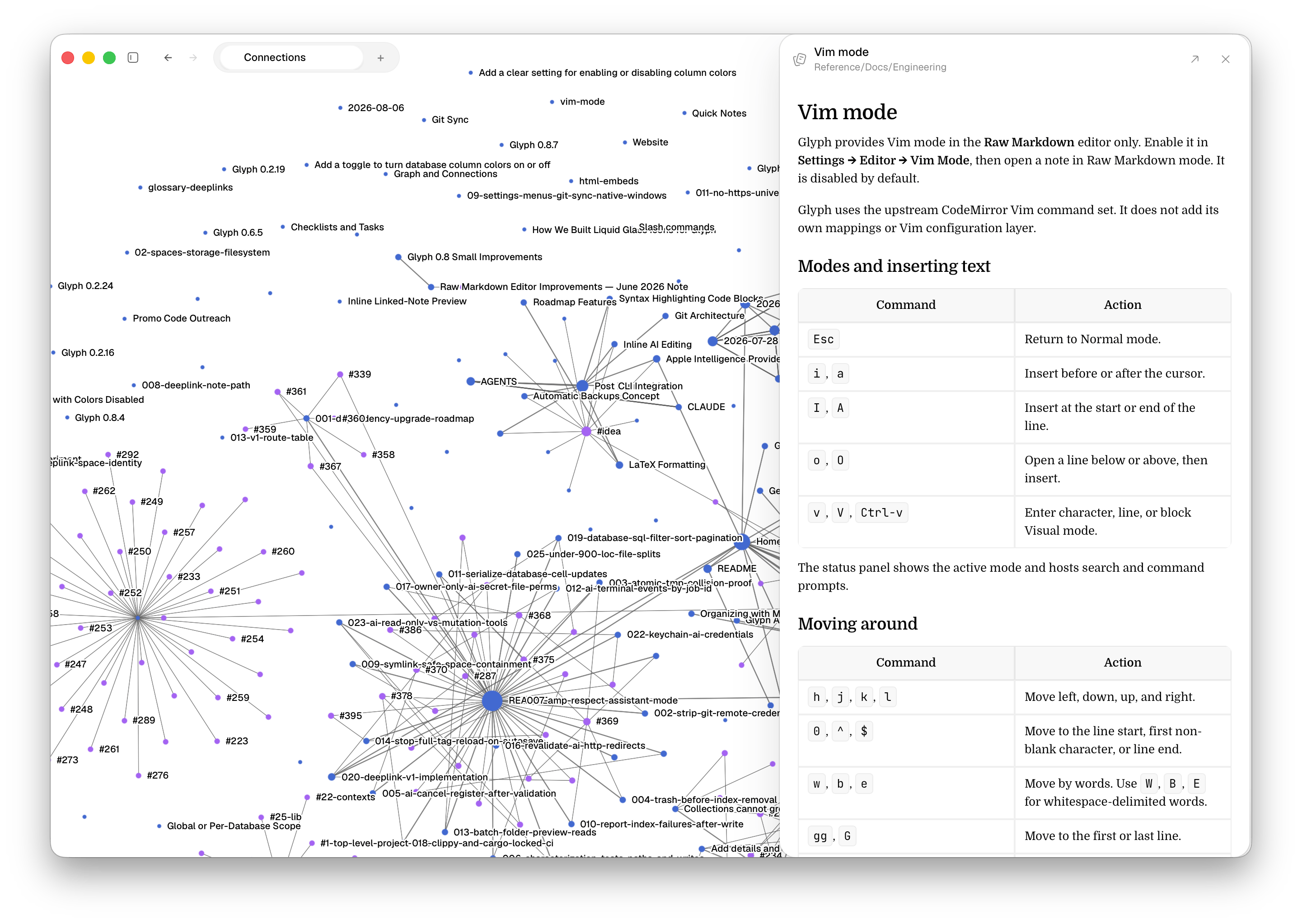
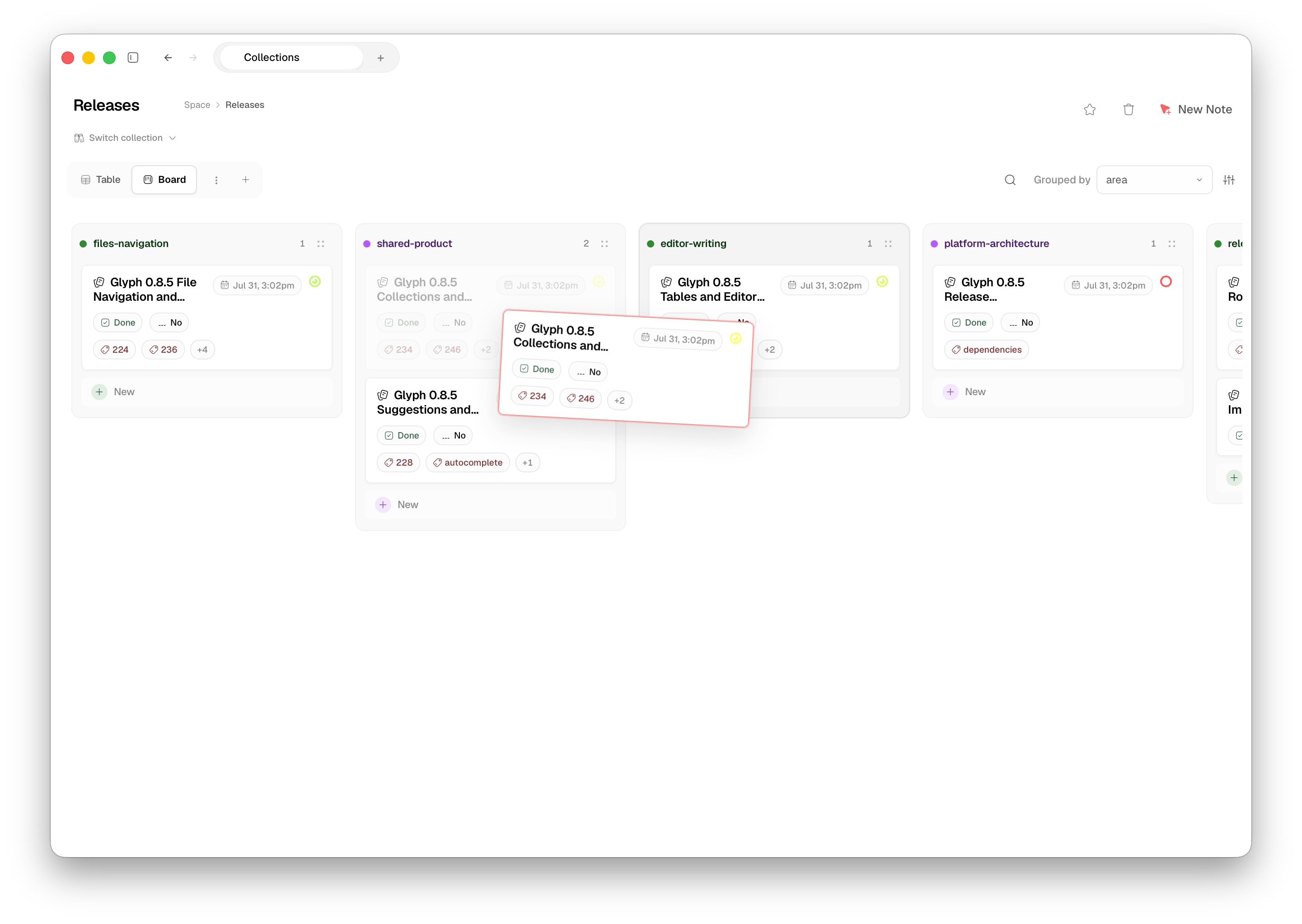
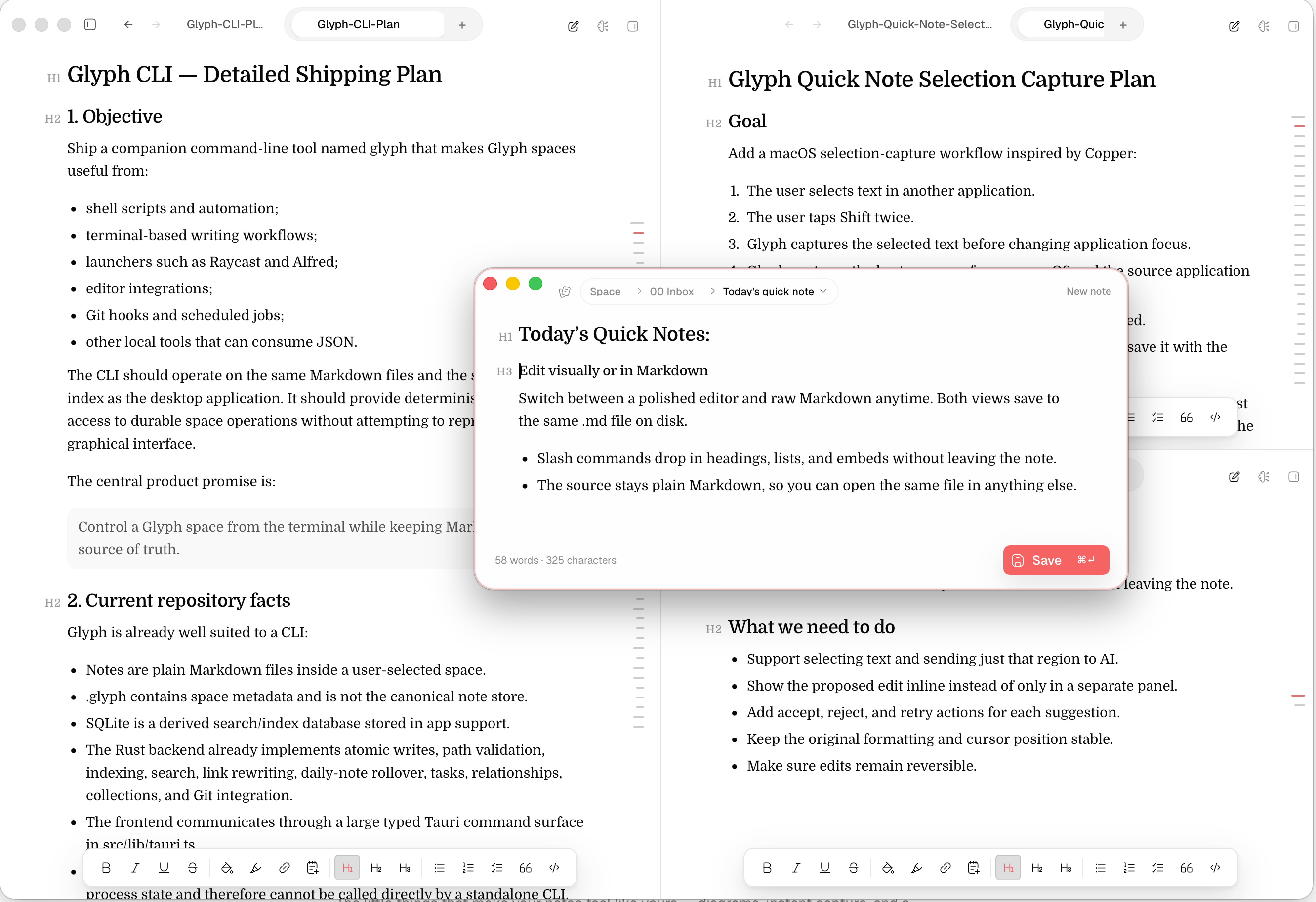
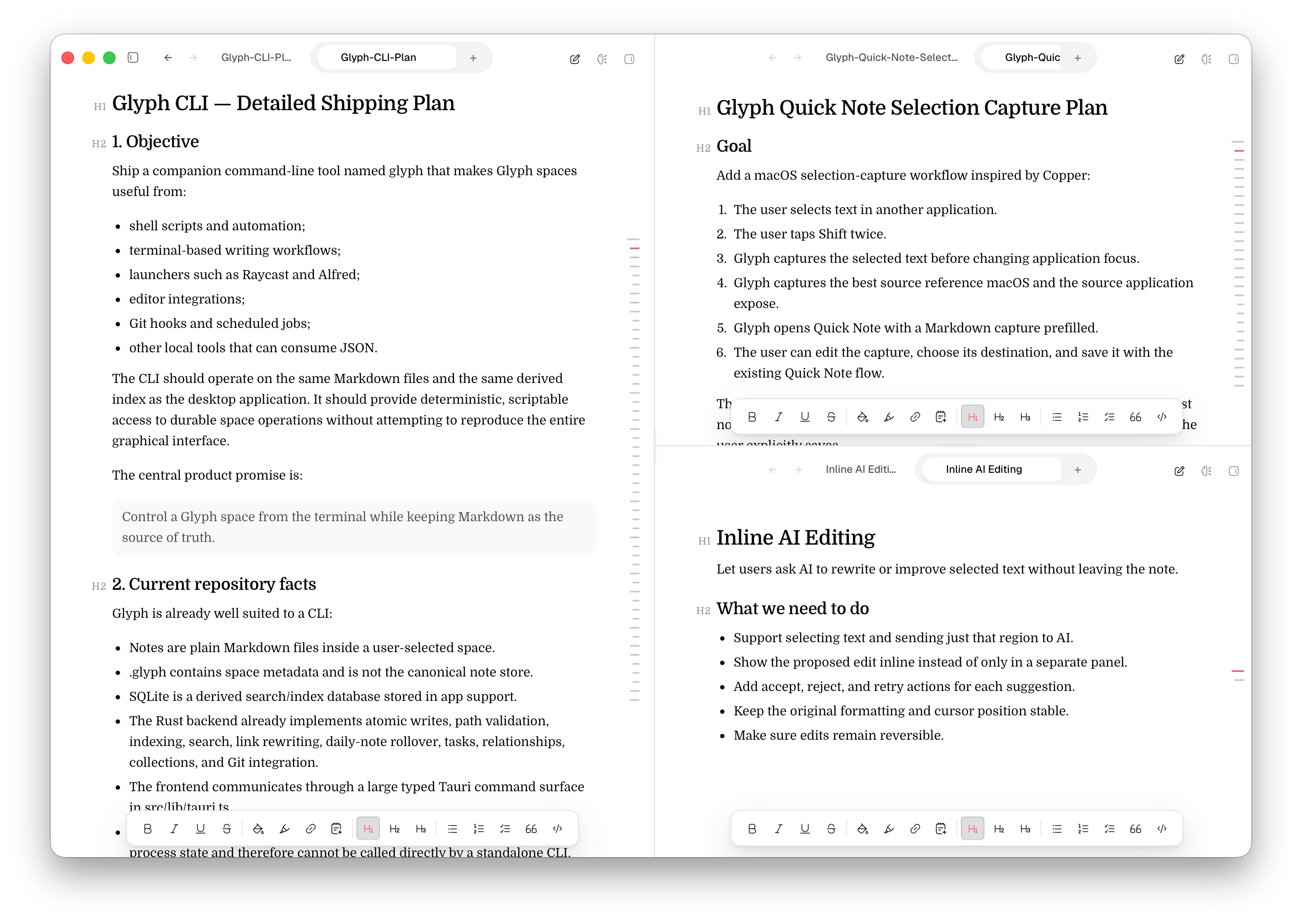
Glyph gives Mac users a focused home for writing, thinking, and project notes without locking their work into a private database. Choose a folder as a Space and Glyph reads and writes standard Markdown files on disk. Search, wikilinks, Connections, tasks, boards, daily notes, and Git history help those files grow into a useful system. AI is optional: connect an existing provider, use a local model, or keep the panel off. Glyph is built for people who want a native Mac writing tool and the freedom to keep their notes portable.
VISUAL ASSETS
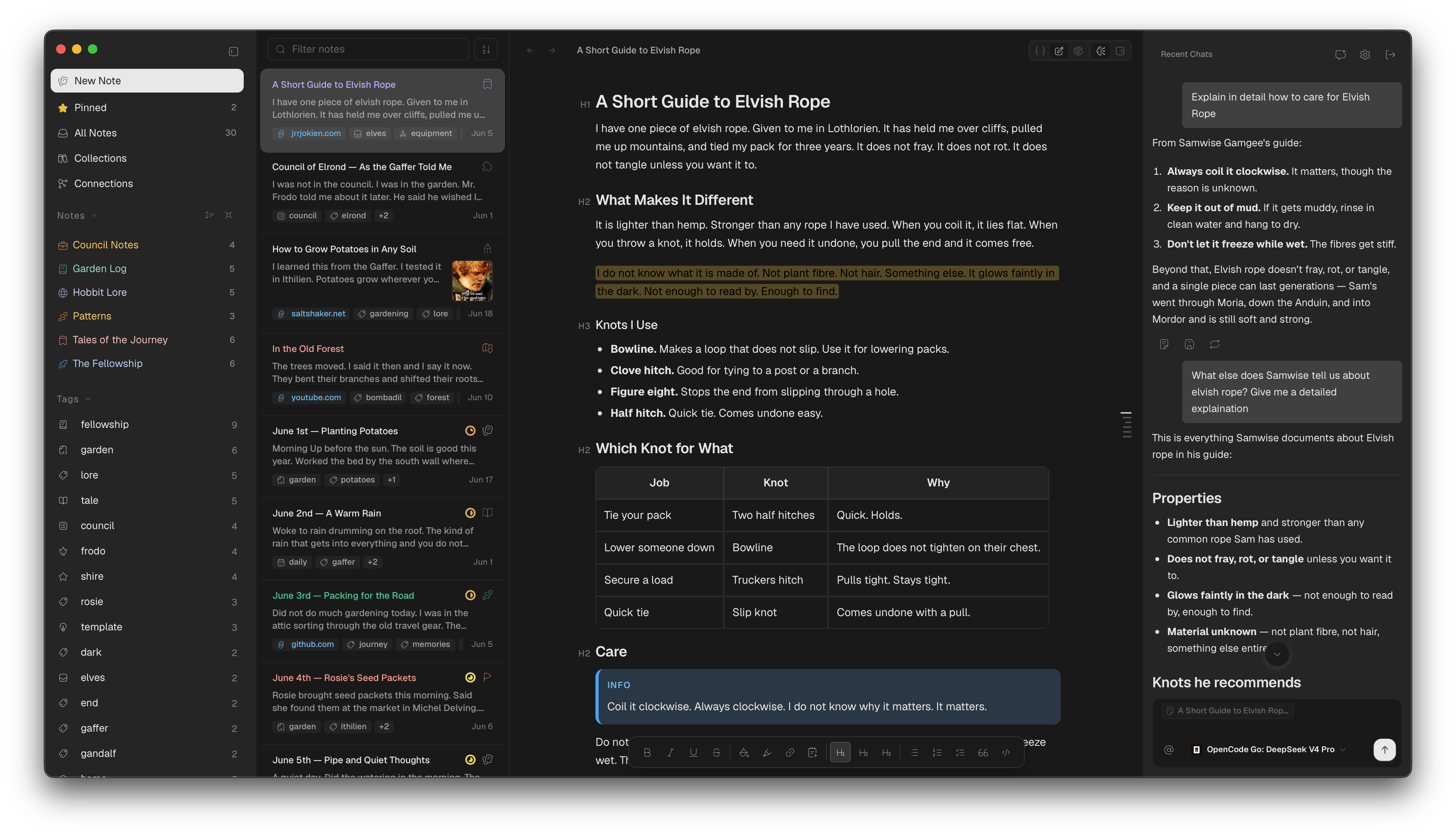
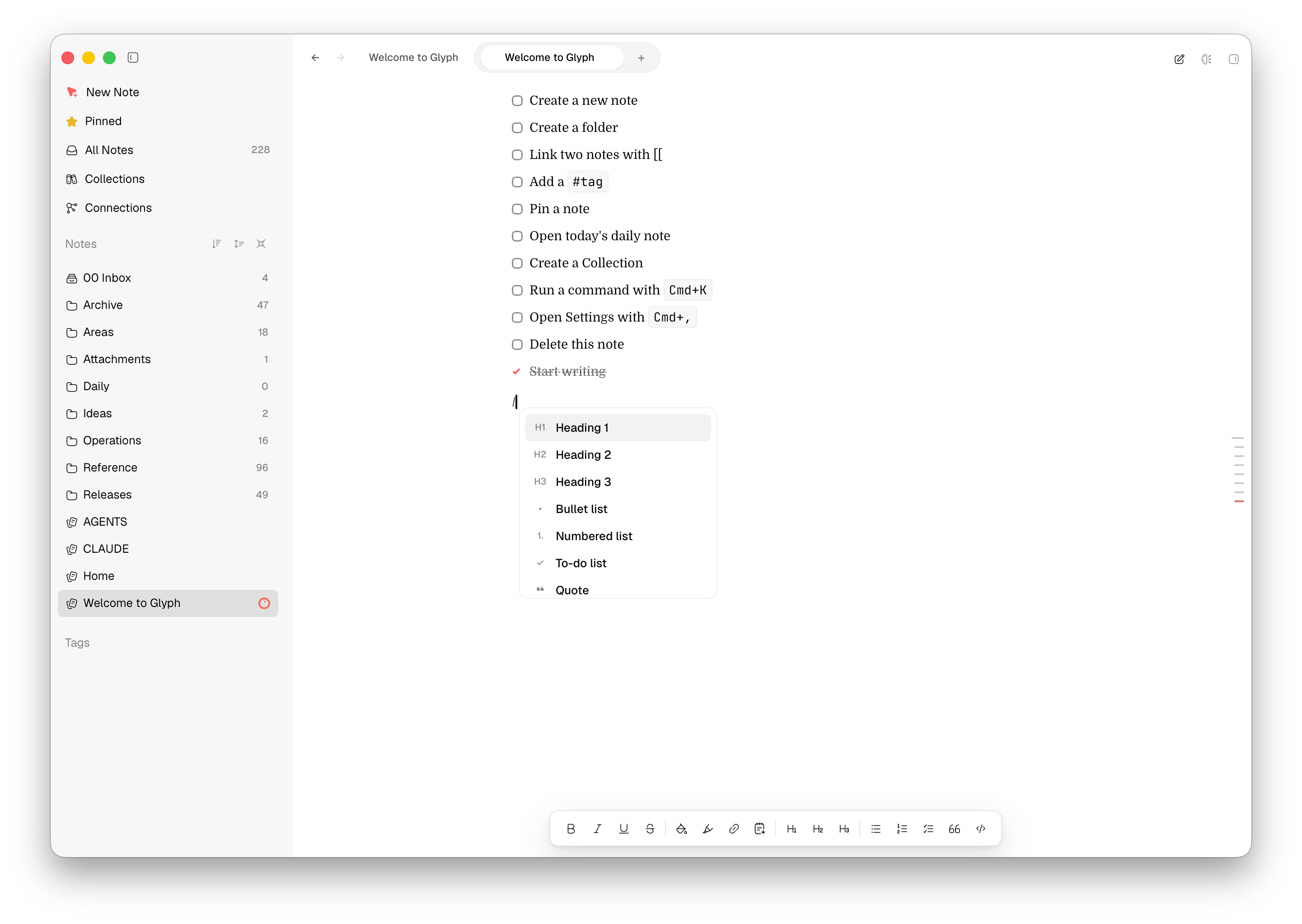
Open any image for the full-resolution PNG. These are free to use in editorial coverage, reviews, articles, podcasts, and social posts.

STORY ANGLES
Glyph reads and writes Markdown in a folder you choose. Open the same files in another editor, back them up normally, or put the folder in Git.
Wikilinks, Connections, tasks, boards, daily notes, quick notes, search, and keyboard shortcuts arrive together instead of as a plugin hunt.
Use a provider you already have, point Glyph at a local model, or leave AI off. The choice belongs to the person writing the note.
USAGE
Glyph screenshots and app icons are free to use in editorial coverage, reviews, articles, podcasts, videos, and social posts. Please keep the assets intact and use them to refer to Glyph as a product.