Beautifully Designed. Packed with Features, including completely optional built-in AI. A Markdown app for thinking, writing, and linking ideas that your Mac deserves.
Everything you'd expect from a modern Markdown editor, as a beautifulMac app.plain files means I can leave later and still open the folder anywhere
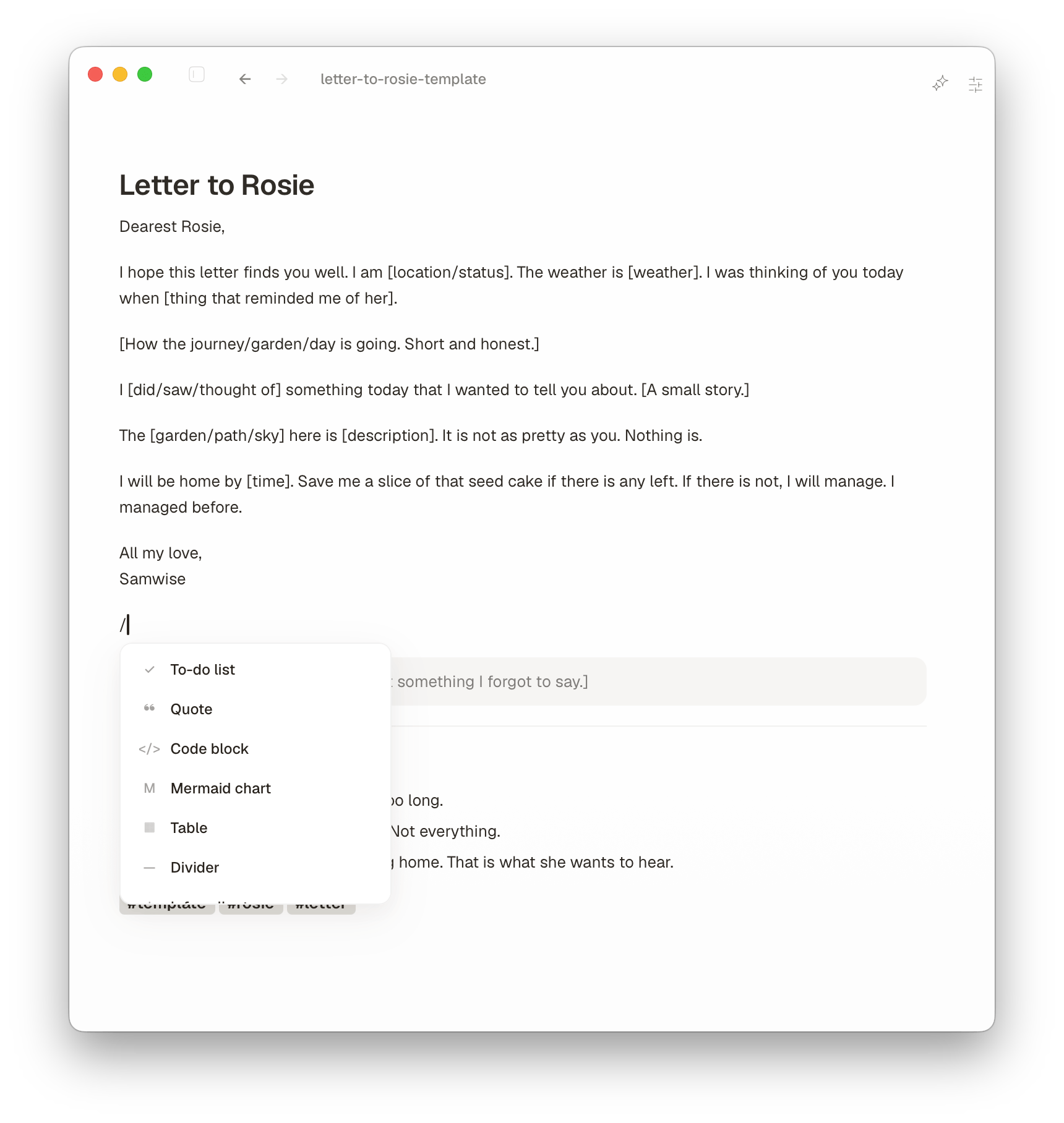
Slash commands for headings, lists, and tasks
Drag-and-drop images and media inline
Smart lists with auto-renumbering and indentation
Works with your existing Obsidian, VSCode, Typora or Logseq markdown files
AI
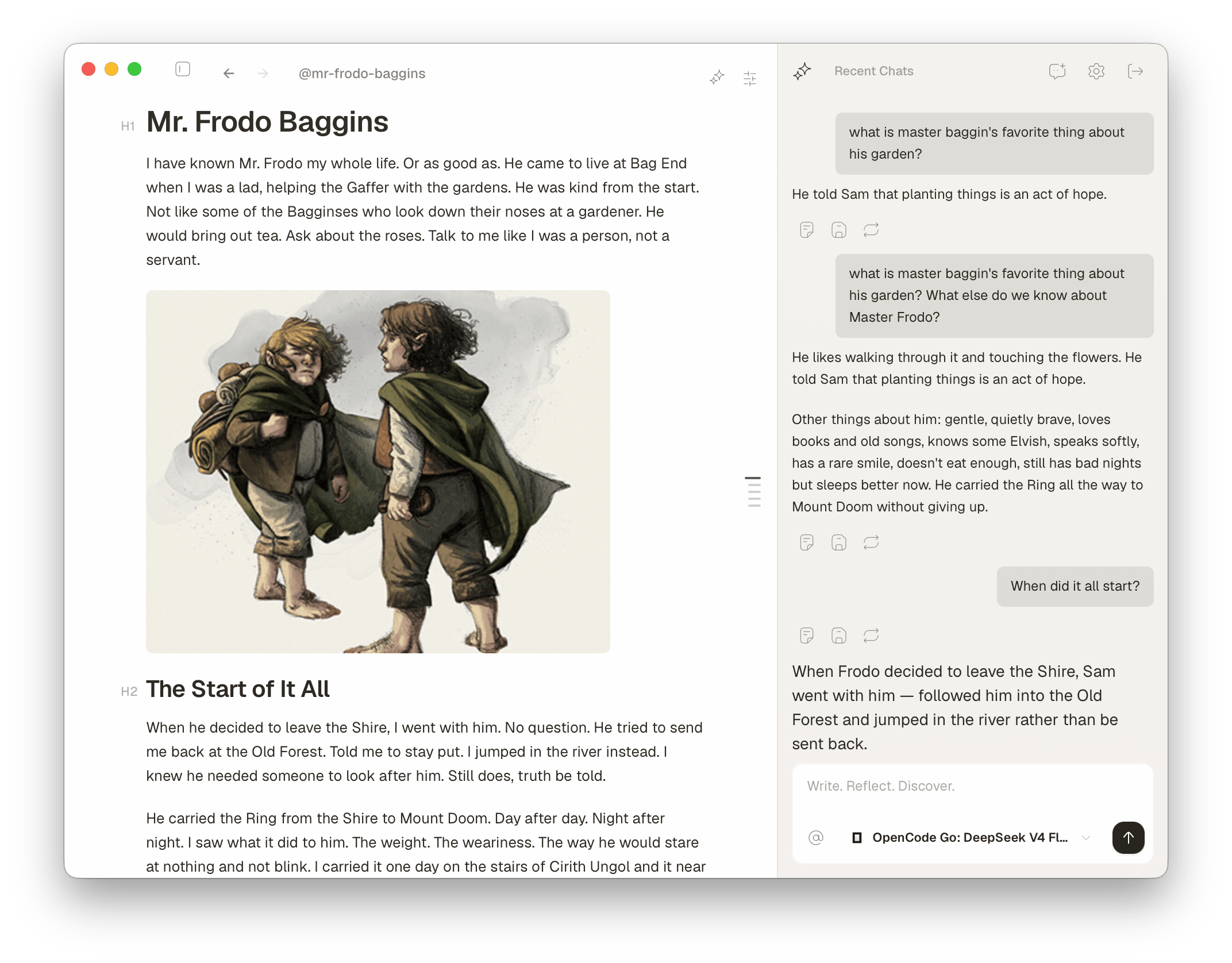
AI that works with your notes.
Summarize a note or chat across your vault. Bring your own AI agents like Codex, Opencode or AmpCode, or API keys or run models entirely on your Mac.ask across the whole vault when the answer lives in five notesswitch to local when the note has private client stuff
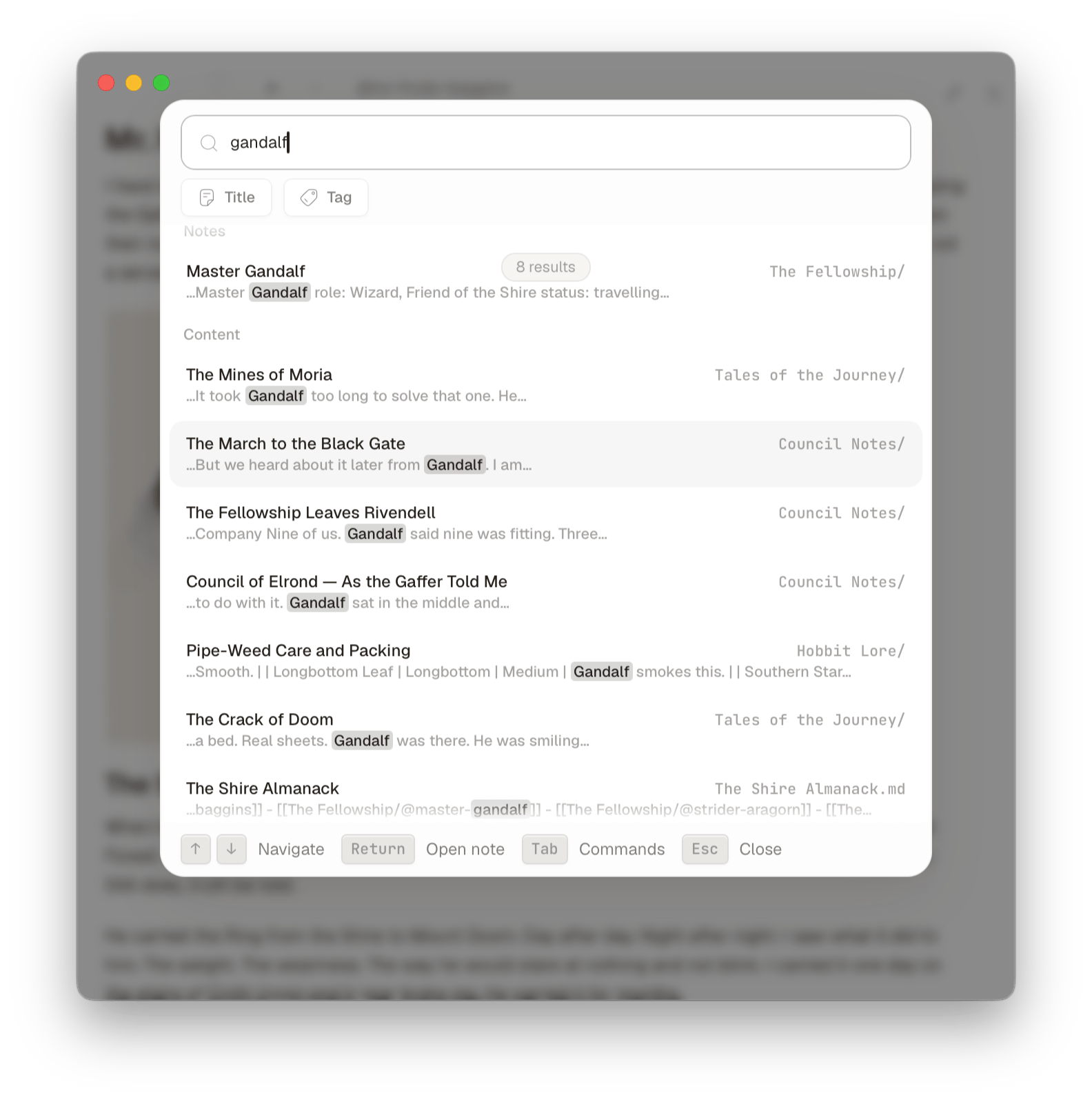
Your entire knowledge base is always within reach, no matter how many files you have.search should feel like remembering where I put the thing
Quick Open (⌘P) for any title, tag, or text
Lightning fast search
Open files in tabs and pin important notes
Keyboard-first, mouse optional
LINKING
Linked notes that make sense.
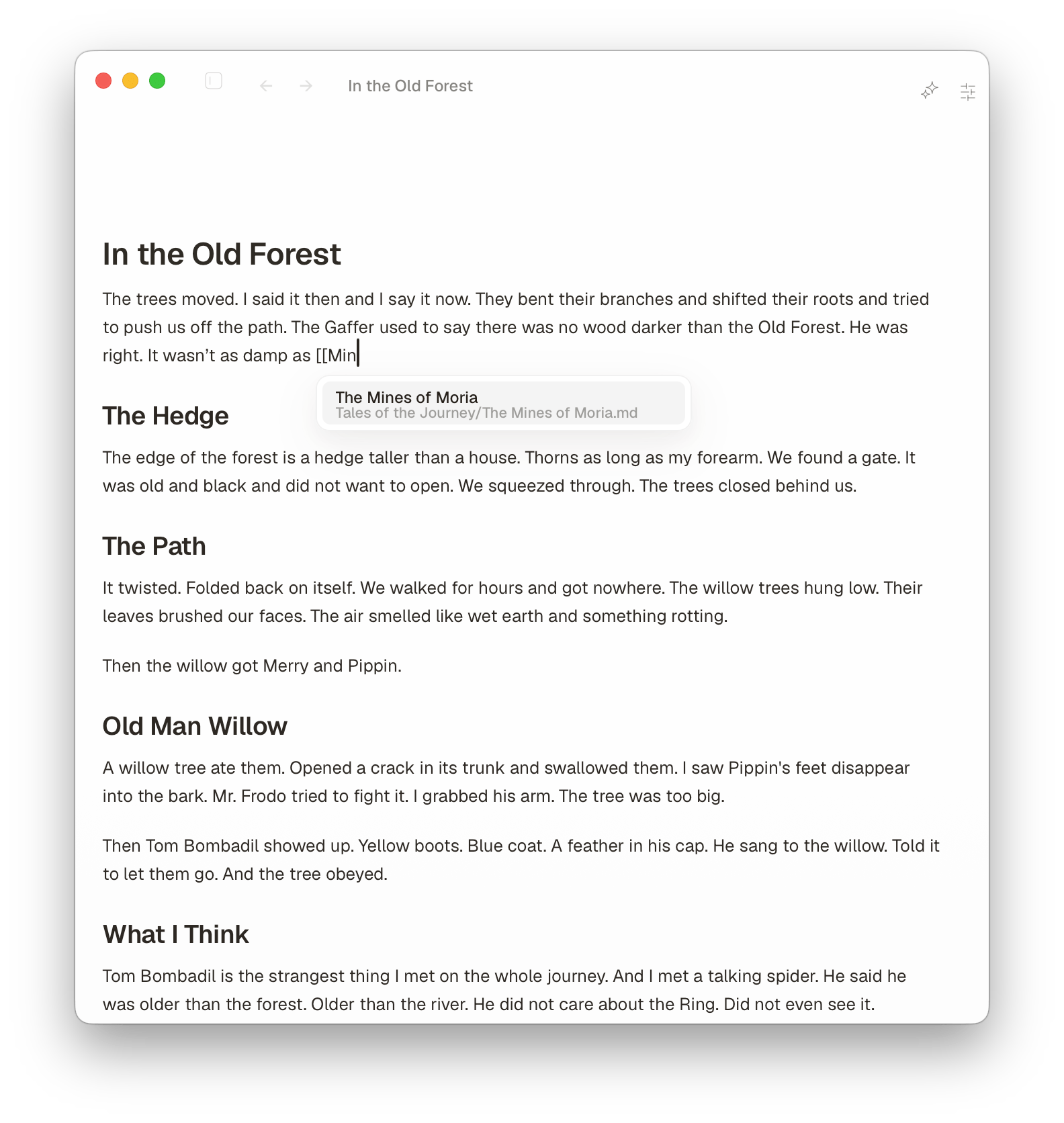
Connect ideas with wikilinks and see every backlink the moment you write them.type [[ while writing, before the connection goes cold
Type [[ to link any note in seconds
Backlinks update as you type
See connections without leaving the editor
Auto-complete picks across folders
GRAPH
See your notes as a map.
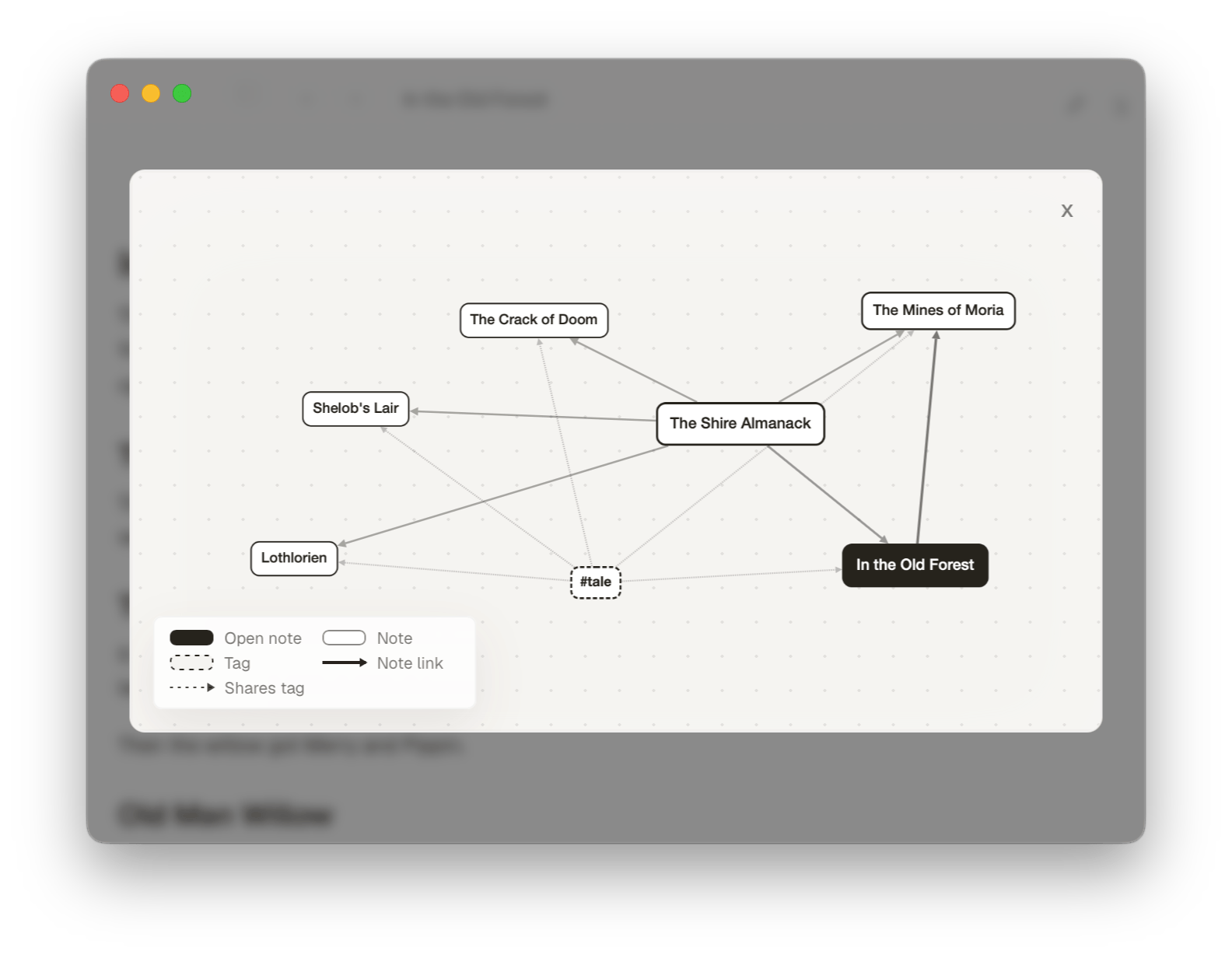
A local graph view shows how each note connects to the rest of your vault, one click away.open this when a topic starts growing side pathsthe folder stays the source of truth, not an app database
Local graph for any open note
Distinct nodes for notes, tags, and links
Click a node to jump straight in
TASKS
Notes, tasks, and boards.
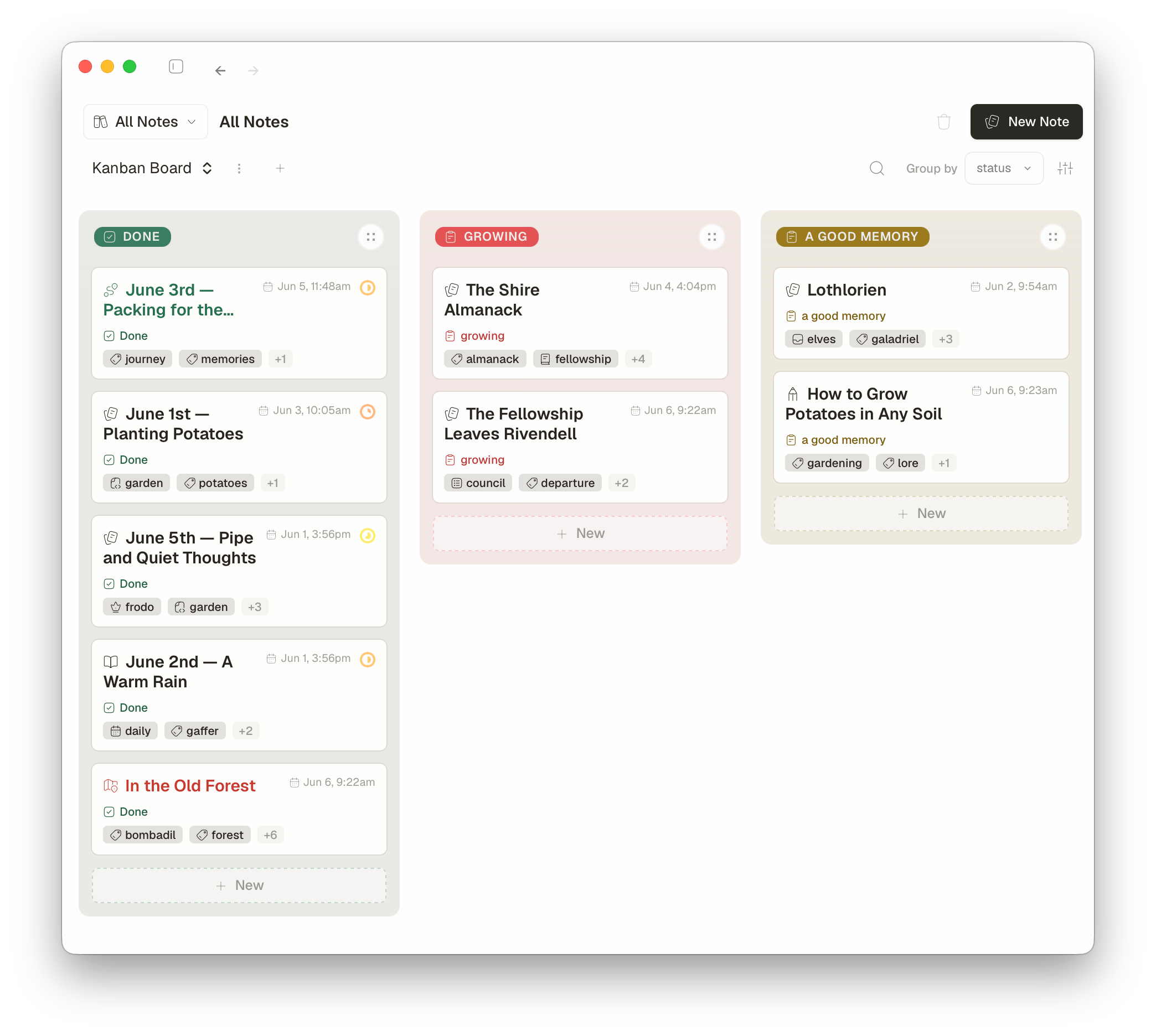
Tables, kanban boards, and task lists, all built from your notes and frontmatter properties.project plans can stay in notes, then turn into a board
Kanban boards from YAML and frontmatter properties
Switch between table and board views
Group by status, priority, tag or any field
WORKSPACE
Your whole vault, organized.
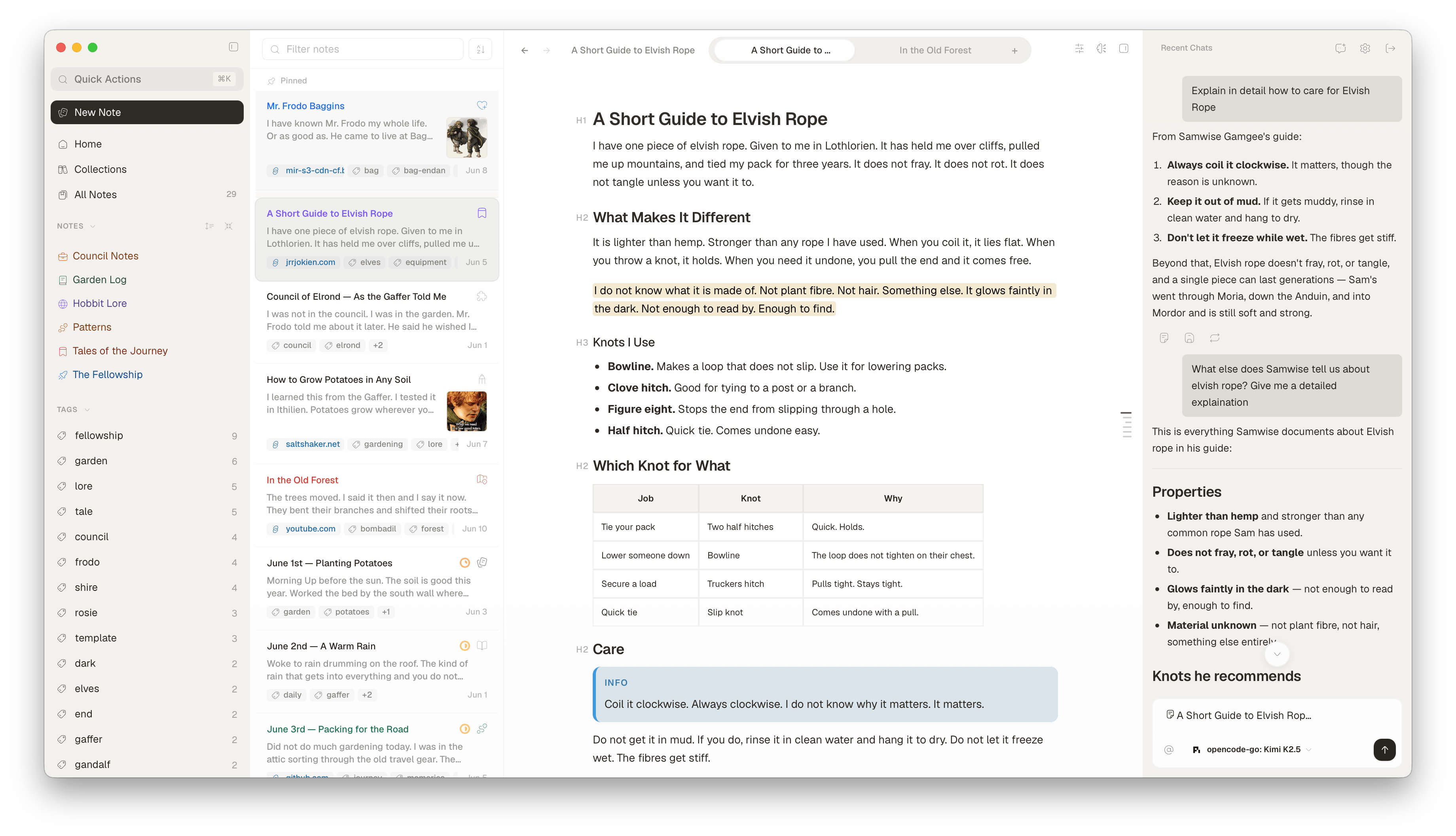
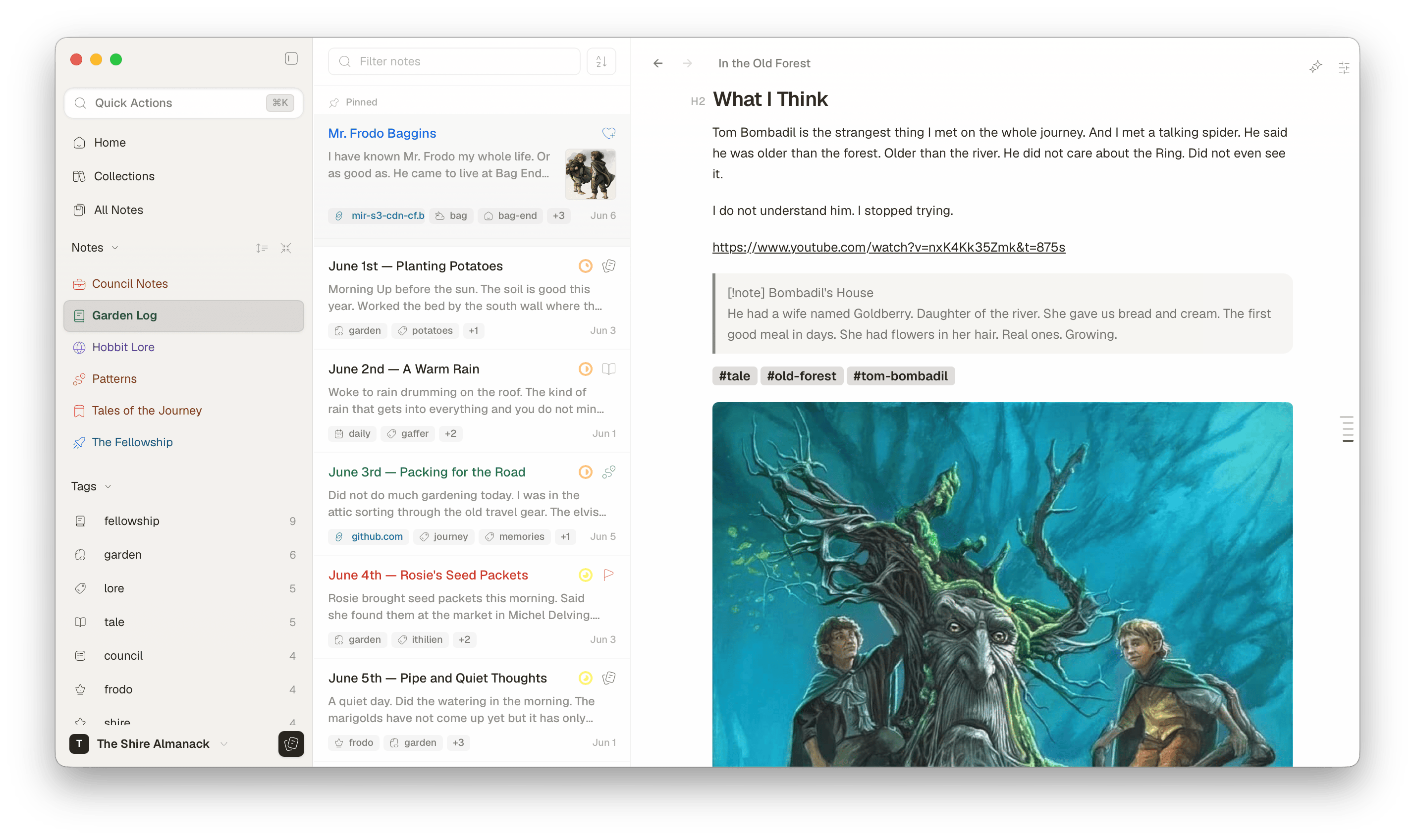
A three-pane layout for browsing notes, folders, for those used to Notebook mode.keeps folders visible so I do not lose my place mid-draft
Sidebar with folders and tags
Pin folders and notes you live in
Note previews with thumbnails and tags
MAKE IT YOURS
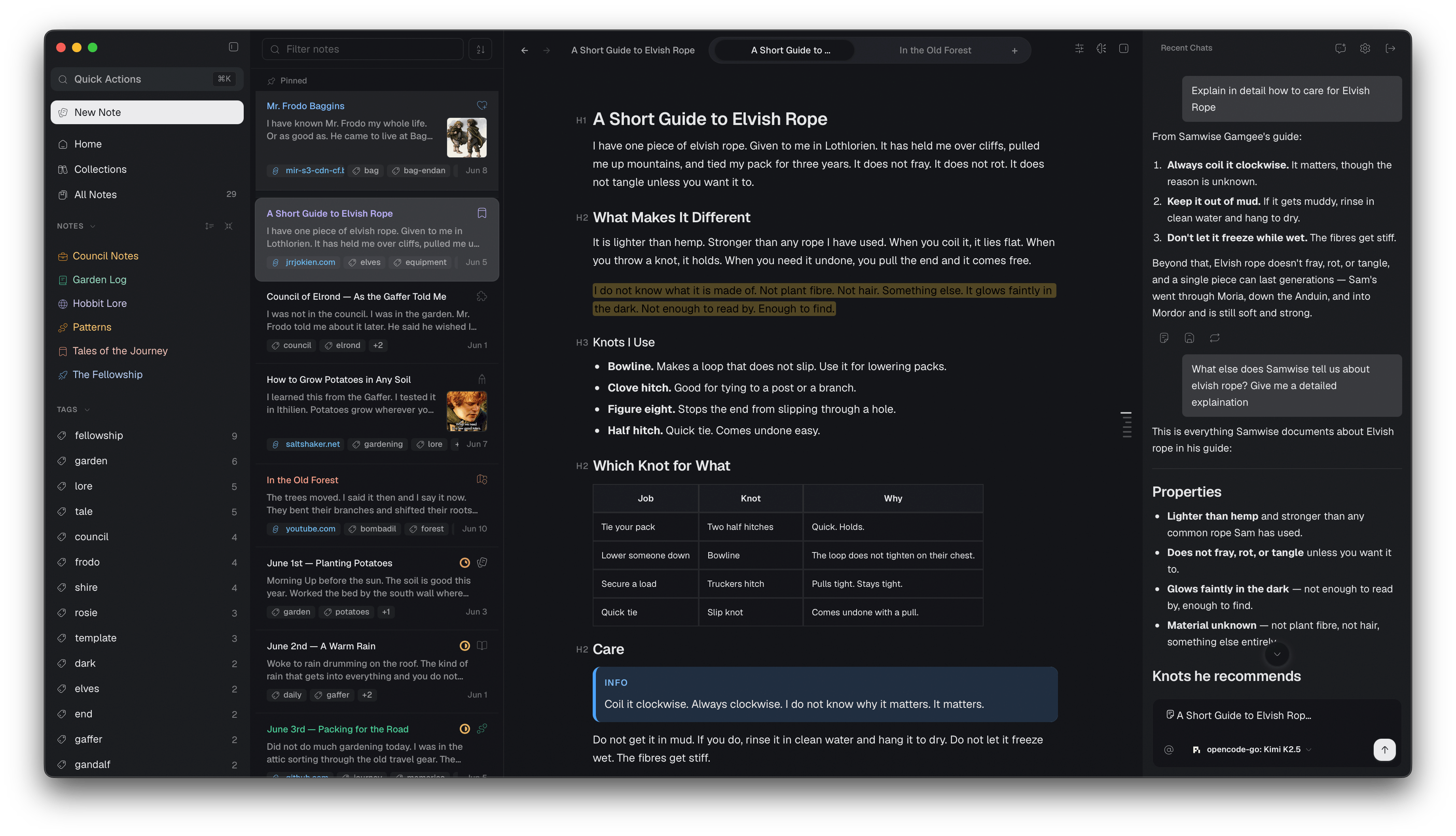
Themes & details you can tune.
Custom icons and colors per folder or note. Choose from over 50 + icons and colors
Over 20+ curated themes including popular ones like Catppuccin, One Dark, Gruvbox, Tokyo Night and more
Vim mode for keyboard-driven editing
Remap any shortcut across any command in the app
AND MORE
Mermaid diagrams, callouts, tables and code blocks with syntax highlighting
Extract selection into a new note to link notes together
Open a global Quick Note anywhere on your Mac
Daily notes and Templates
Database views including tables and Kanban boards
Works with files on iCloud, Google Drive, OneDrive, NAS, SMB, and network drives, all markdown files stay where you control them
DESIGN
Built by one person
I build Glyph on a Mac for writers who want fast launch, plain files, and a well maintained app.
No. Glyph is a one-time purchase with lifetime access. No recurring fees, seat limits, or device binding.
Can I use my existing Obsidian vault?
Absolutely! Simply open your Obsidian vault folder directly in Glyph — it reads plain Markdown files, so your existing vault works out of the box.
Can I import from Bear Notes?
Yes. In Bear, go to File → Export Notes → Markdown, choose the notes you want to export, then open the exported folder in Glyph. Bear’s export guide has full details.
Can I use my Apple Notes?
Yes — use a third-party tool to export Apple Notes as Markdown. Exporter (free on the Mac App Store) converts Apple Notes to Markdown files, which you can then open in Glyph.
Do you collect my data?
No. Your notes stay on your Mac as plain Markdown files. Glyph does not upload, track, or phone home with your files.
Can I try it before buying?
Yes. Glyph comes with a 7-day free trial and does not ask for a card. Download the latest version and start writing.
I can't afford it at the listed price. What should I do?
I offer a 50% discount for students and indie developers. Reach out on Twitter or ping me on Discord. I built Glyph solo, and I know budgets get tight.
Is it open source?
The code is public on GitHub. I license official builds, and you can clone the repo and build Glyph yourself.
EARLY ACCESS
Still early
Glyph is in early access. I'm building it on my own, and your purchase pays for the next release.